The Members Inbox
What the Members Inbox is, how members use it, and how messages and notifications appear.
Written By Isaac Buchanan
Last updated 2 days ago
The Members Inbox is where your members read messages sent by your club. When a staff member sends a message, it lands in the member's Inbox in the Gymflow member app and web portal, and a push notification alerts them on their device.
Where members find it
The Inbox is available in both:
The Gymflow member app (iOS and Android)
The member web portal
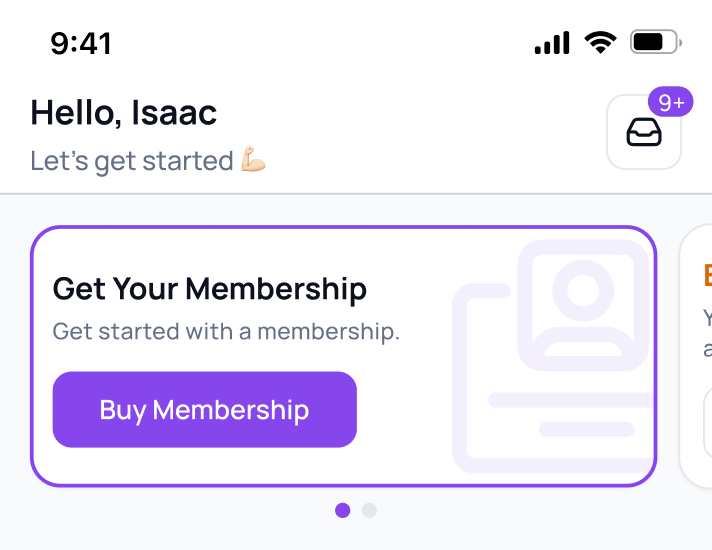
An unread badge on the Inbox icon shows members when they have new messages.
What a member sees
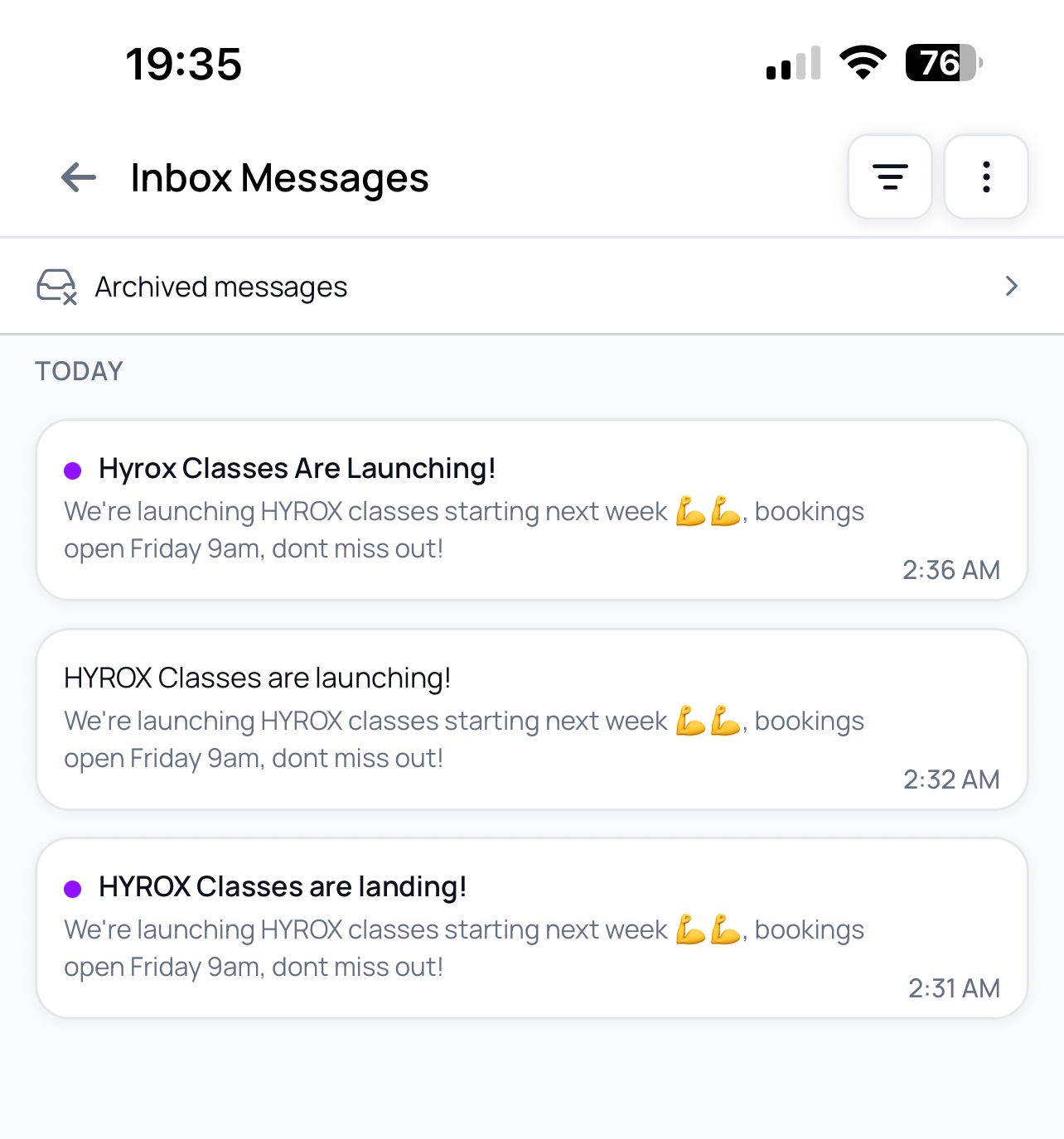
The Inbox shows a list of messages, each with:
The message content
A message type badge
A timestamp
A read/unread indicator (unread messages stand out)
Tapping or clicking a message opens it and automatically marks it as read. Members can also reach a message directly by tapping its push notification.
Managing messages
Members can keep their Inbox tidy with a few actions:
Mark as read / unread: individually or with "Mark all as read".
Archive: move messages out of the main list. Members can find them again under View archived messages.
Filter: view messages by read status, or by type (Account Related, Club Information or Optional).
The Inbox refreshes automatically to show new messages, and members can pull to refresh in the app
Was this helpful?
Still need help? Share an idea