Add Users to a Class
Learn how staff can add users to event or class manually, if the user hasn't booked themselves in.
Written By Isaac Buchanan
Last updated 6 days ago
Users can book themselves into classes using the Gymflow app (provided they have the appropriate session pack or membership for that class).
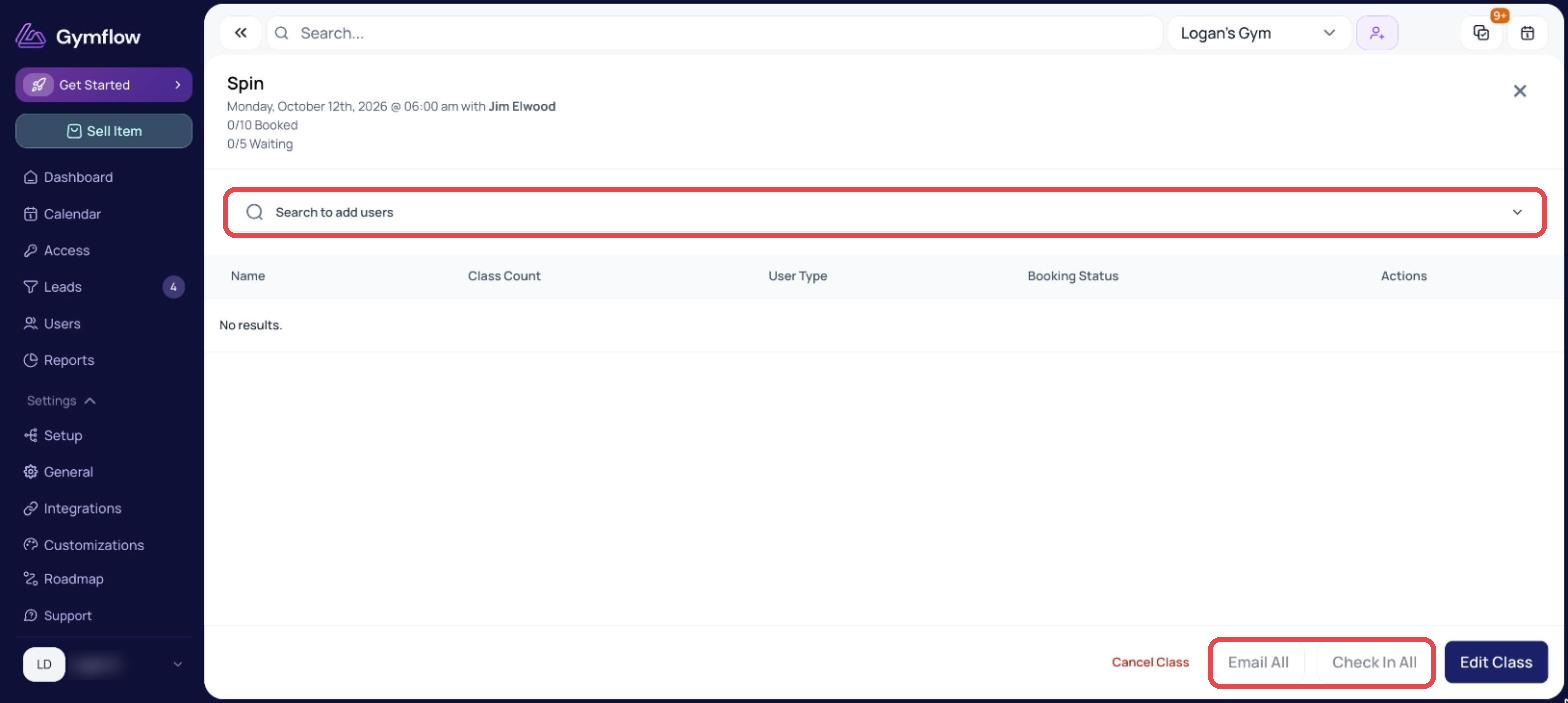
Staff can also add users to a class on their behalf. To do this:
Open the class.
Select the search bar at the top of the page and search for the user.
Select the user you want to add.
Was this helpful?
Still need help? Share an idea