Update A User's Profile
See how to change a users profile information.
Written By Isaac Buchanan
Last updated 6 days ago
How to edit a user’s profile:
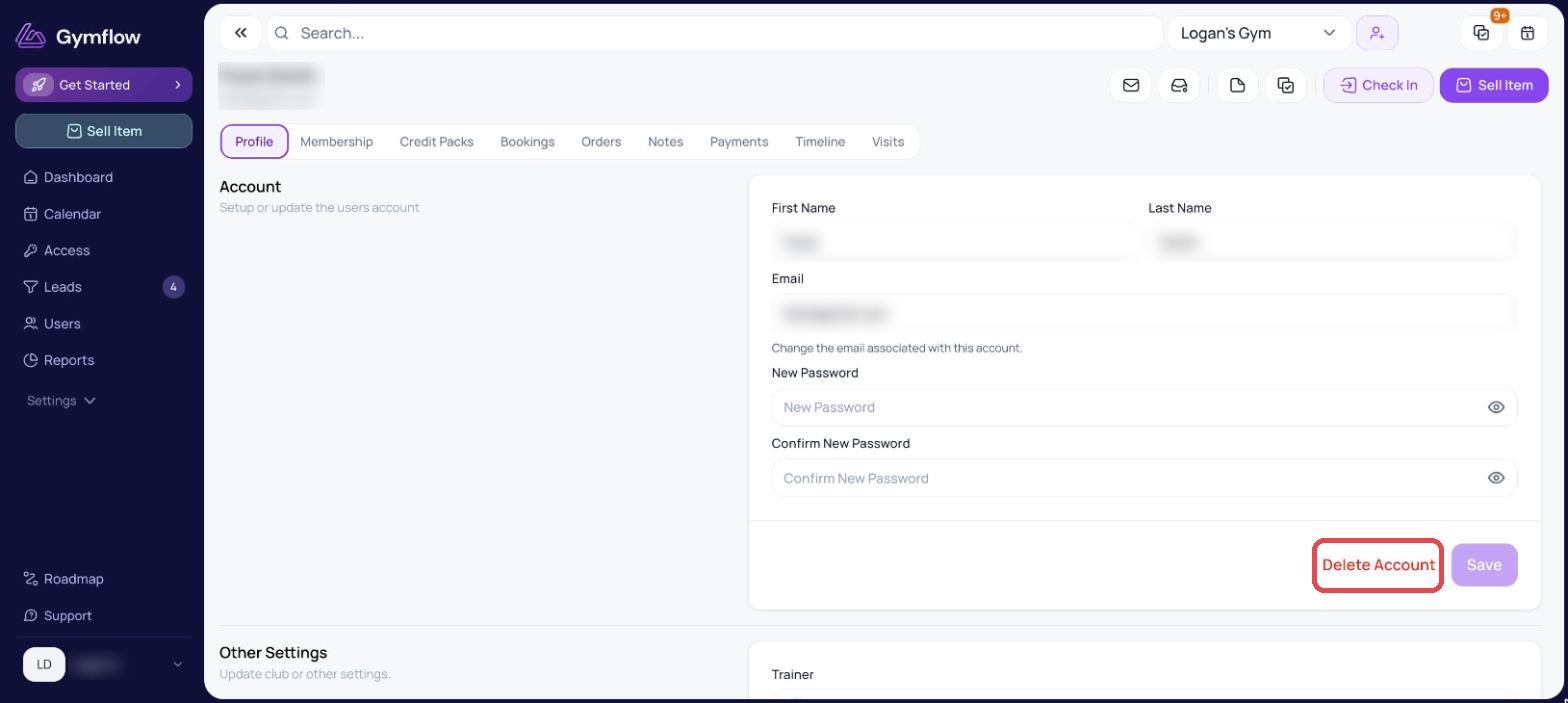
To add or edit information on a user's profile:
Search for the user and click to view their profile
Scroll down to the Profile Information section.
Select Edit, make your changes and select Save.
If your club has multiple locations, the changes you make to the user’s profile in one location will not apply to other locations.
Was this helpful?
Still need help? Share an idea