Reset a User's Access
Resolve common access issues by resetting a user's Kisi access settings.
Written By Isaac Buchanan
Last updated 6 days ago
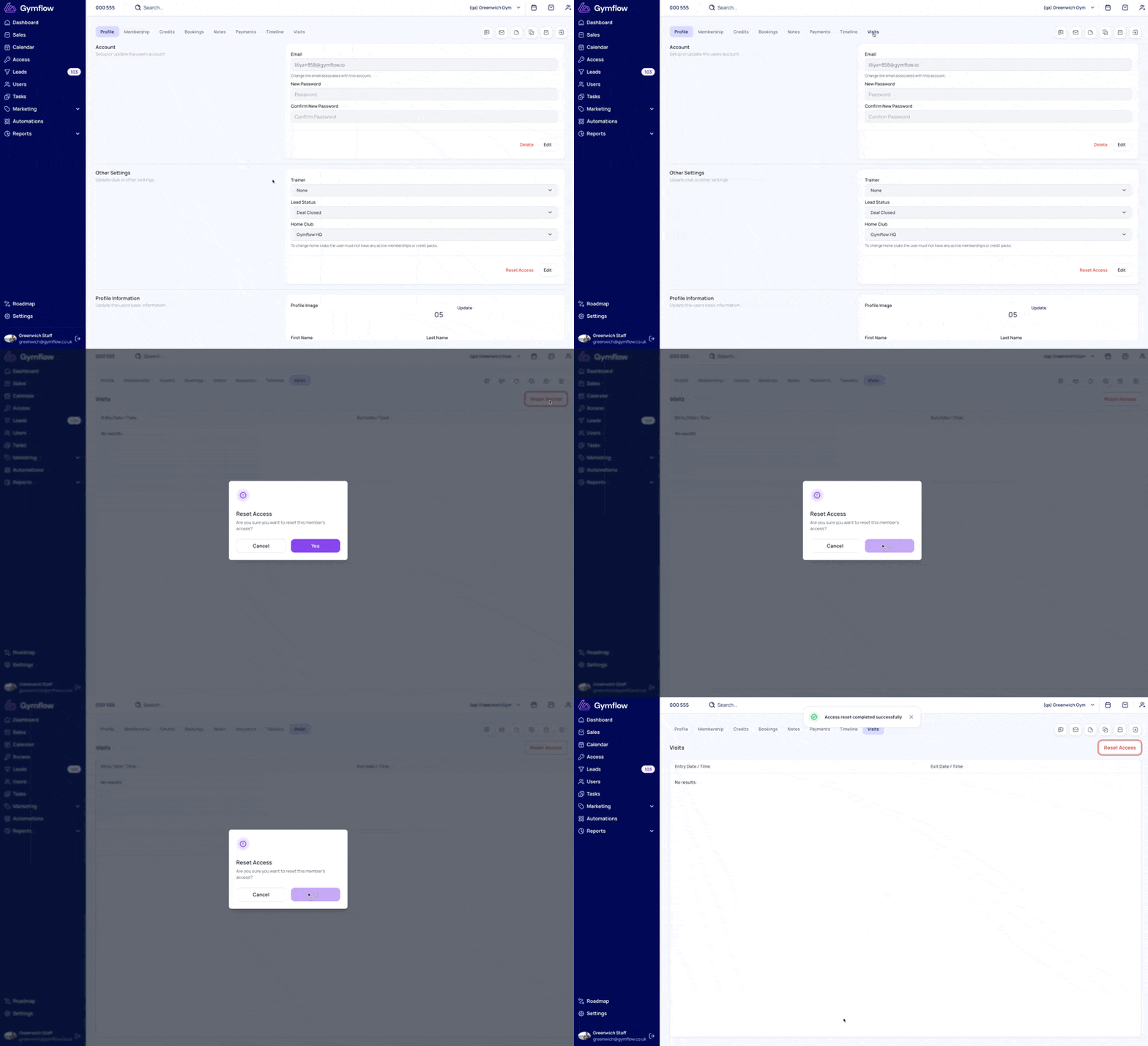
If a user reports having trouble accessing the gym, you can reset their access. This immediately resolves many common access issues.
To do this:
Go to the user's profile.
Click on the "Visits" Tab and then click "Reset Access"
Ask the user to try accessing the gym again.
If you see Setup Access instead of Reset Access, the member hasn't set up access in the app yet. Click Setup Access to set it up for them, or ask them to open the Access tab in the members app.
If a user is having trouble accessing the gym, it's also worth checking that the membership they're subscribed to has an access group set under Door Access.
Was this helpful?
Still need help? Share an idea