The most common reasons payments fail
Learn what the most common reasons payments fail are
Written By Anna Gertsen
Last updated 7 days ago
Understanding Payment Failures
When managing overdue memberships, knowing why a payment failed helps you decide whether to wait for an automatic retry or contact the member.
How to find the failure reason:
Go to Reports > Members > Overdue Memberships.
Click the Name of the customer.
Open their Payments tab.
The specific error message from Stripe will appear in the top left corner.
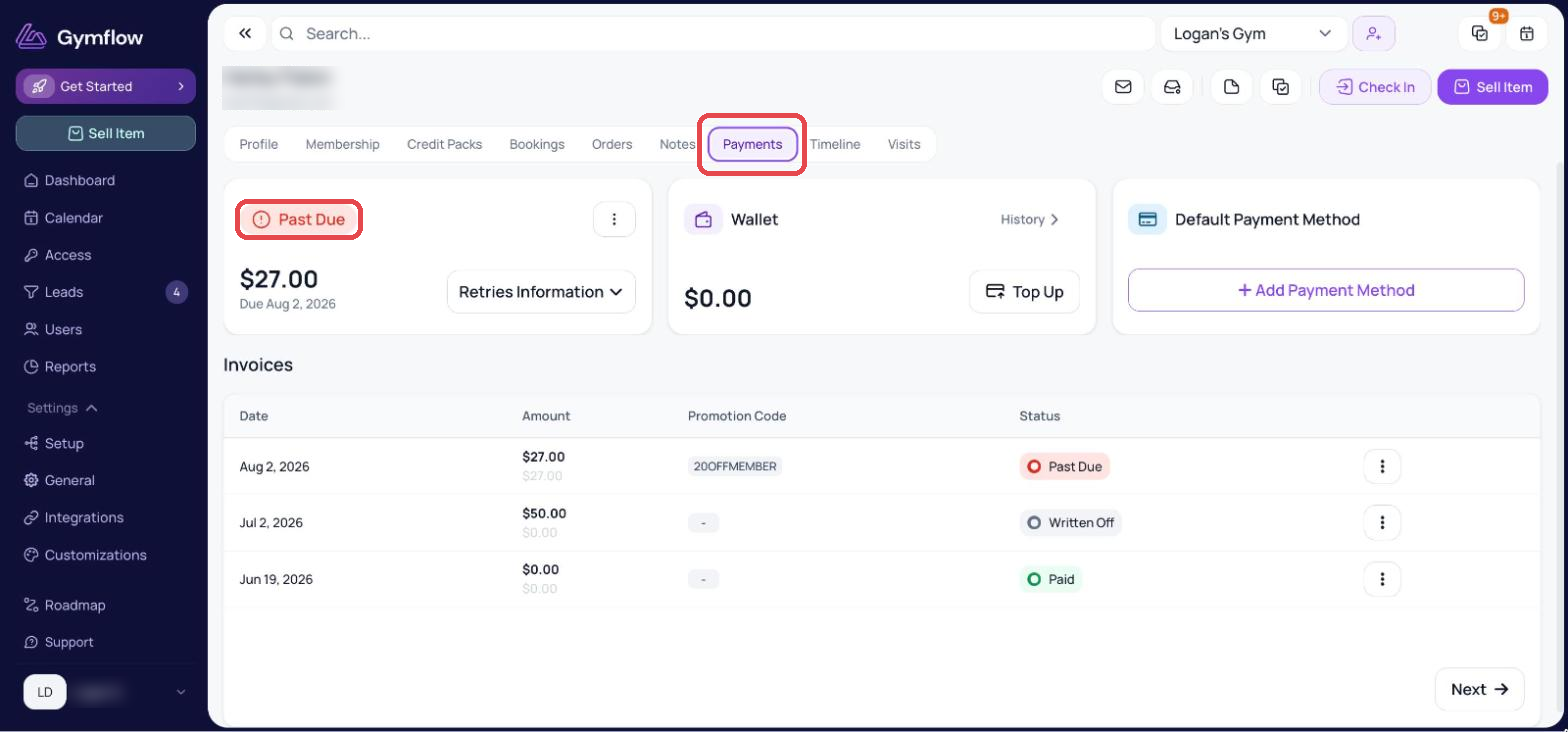
The messages you see in the payments tab are sent to Gymflow by our payment processor Stripe. Here are the most common messages you can see.
1) Insufficient funds
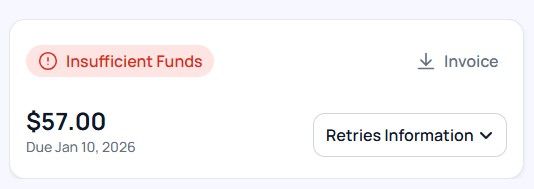
What it means: The card doesn't have enough money to cover the transaction.
What to do: Gymflow will automatically retry the payment (you can check the auto retries schedule here). If the member confirms they have topped up their account, you can collect the payment manually.
2) Authorization needed
3D Authorization is primarily a requirement for our European and UK clients due to Strong Customer Authentication (SCA) regulations. Most banks in the United States do not currently require this extra step.
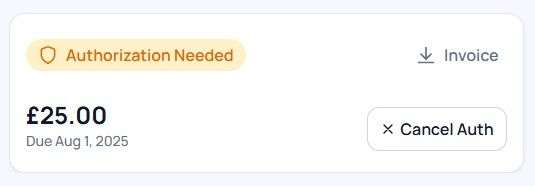
What it means: The bank requires the member to manually approve the charge via their banking app, SMS, or email.
Why it happens: This is a security measure controlled entirely by the member's bank. It is more common for first-time payments or amounts over £30.
What to do: The member must open their banking app to authorize the transaction.
Note on 3D Authorization: Gymflow does not control when a bank requests additional authorization. This security measure is at the sole discretion of the member's bank. While smaller transactions (typically under £30) often bypass this, a bank may require manual approval for any transaction at any time to ensure security.
3) Card declined (generic)
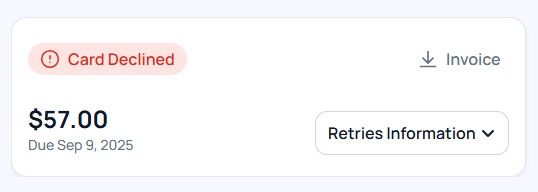
What it means: The bank has blocked the charge but hasn't provided a specific reason.
What to do: The customer must contact their bank to ask why the charge was blocked, or they should add a different payment method.
4) Transaction not allowed
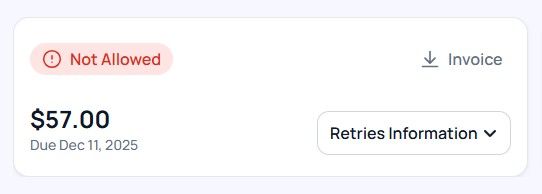
What it means: The card is valid, but the bank is restricting this specific type of purchase.
Common reasons:
The member has "Online Purchases" disabled in their app.
The bank has blocked "Recurring/Subscription" charges.
The member is using a Corporate or HSA/FSA card that restricts fitness-related spending.
What to do: The member needs to call their bank to "whitelist" your gym or use a standard personal debit/credit card.
5) The card has expired
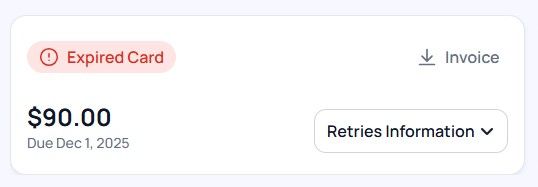
What it means: The card's expiration date has passed, or the bank has issued a replacement card (which cancels the old one).
What to do: Action is required. The system cannot auto-retry an expired card. The member must update their payment method.
Was this helpful?
Still need help? Share an idea