Overdue Memberships
Learn how to monitor and manage overdue memberships
Written By Anna Gertsen
Last updated 7 months ago
If a customer has a recurring membership, and the payment on their next scheduled billing date fails, their membership becomes overdue.
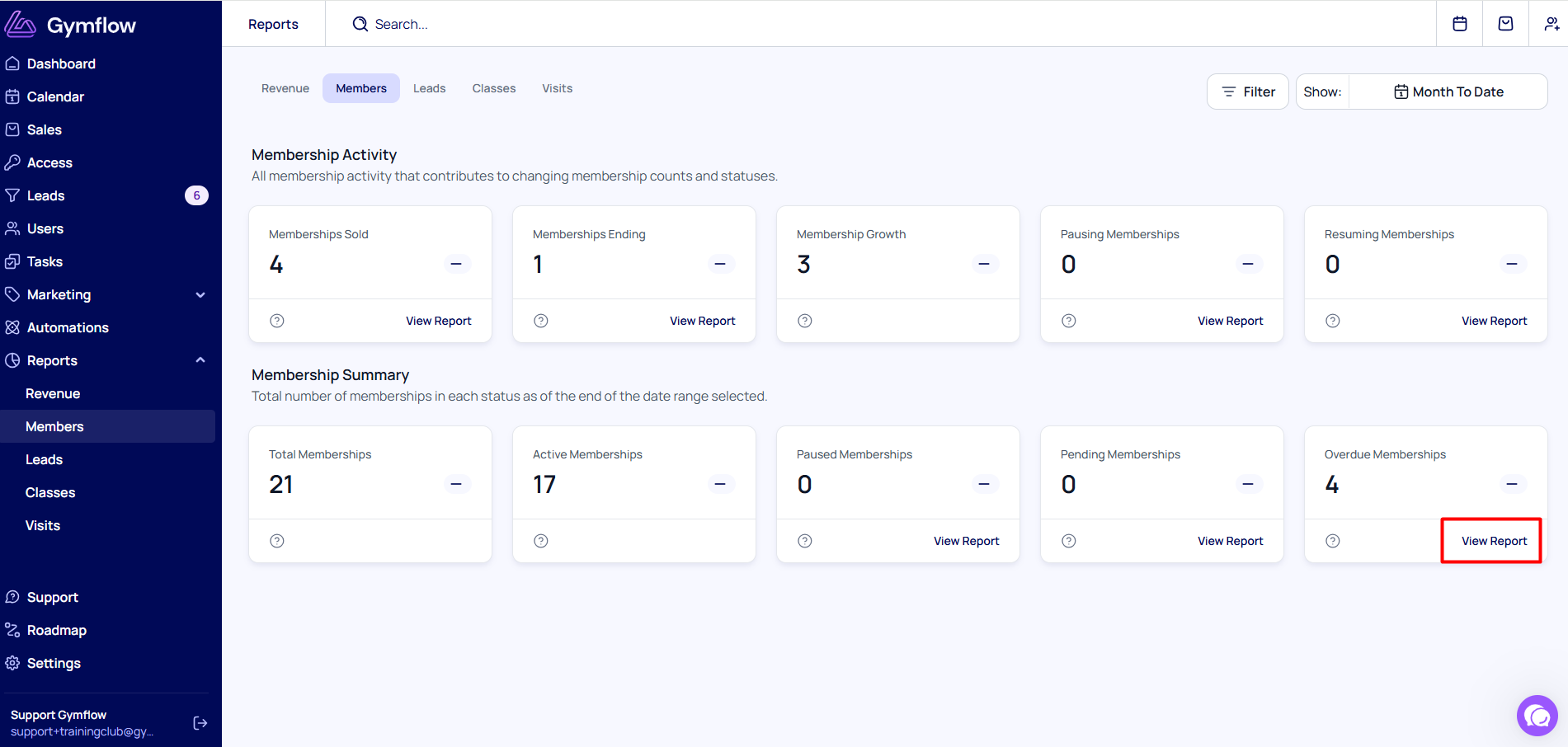
You can find out who has an overdue membership by going to Reports > Members > Overdue Memberships.
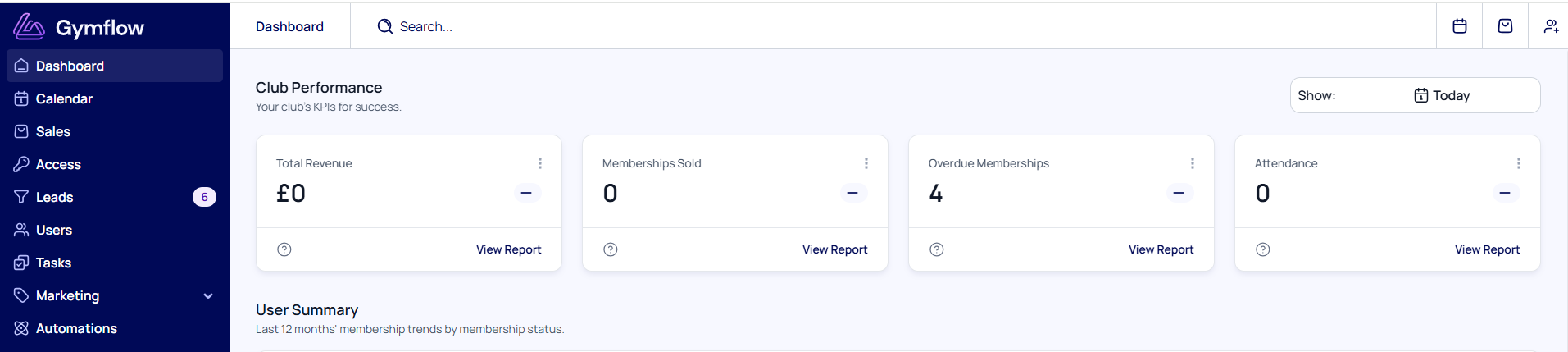
You can also access this report from the Dashboard:
The customers’ names in the report are clickable and take you directly to the customer’s profile. From there, you can head to the Payments tab and see the reason why the payment failed:
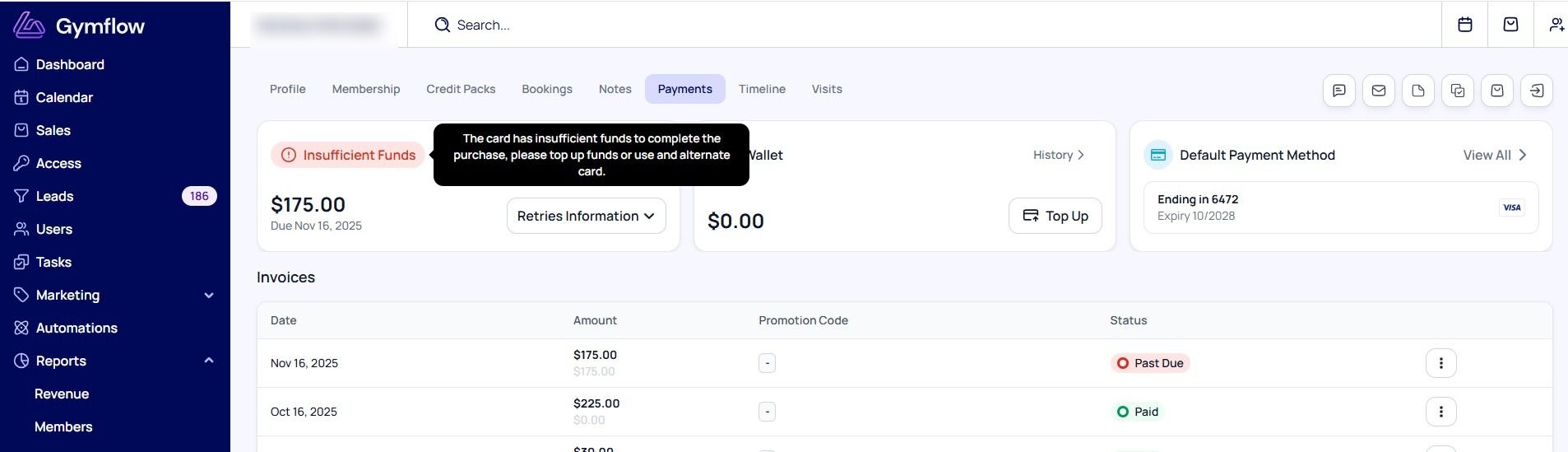
Please check these guides to find out the most common reasons payments fail and how to manage overdue invoices.
Was this helpful?
Still need help? Share an idea