Zapier Integration
Connect Gymflow to your other apps and automate workflows via our Zapier integration.
Written By Isaac Buchanan
Last updated 9 days ago
Zapier is an incredibly powerful integration that can be used to create fully automated workflows using a combination of Gymflow and other applications you may already use. If you are not familiar with Zapier and how it works, you can read more here.
Getting Started
Before you start building Zaps, you’ll need to set up a Zapier account if you don’t already have one. It’s free to create an account, and you can get started here.
Once your Zapier account is ready:
Go to Settings > Integrations > Zapier and enable it by turning the toggle on.
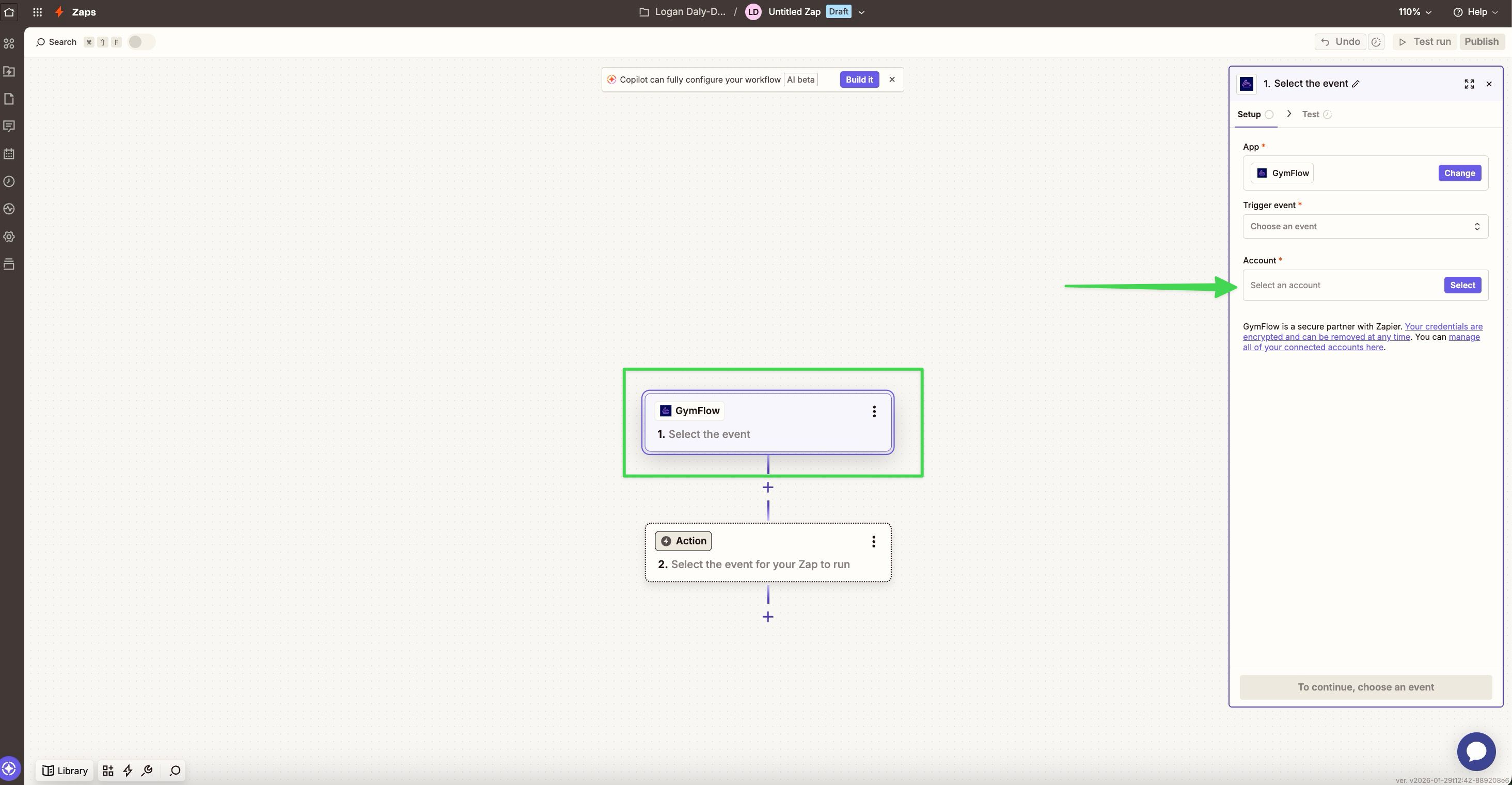
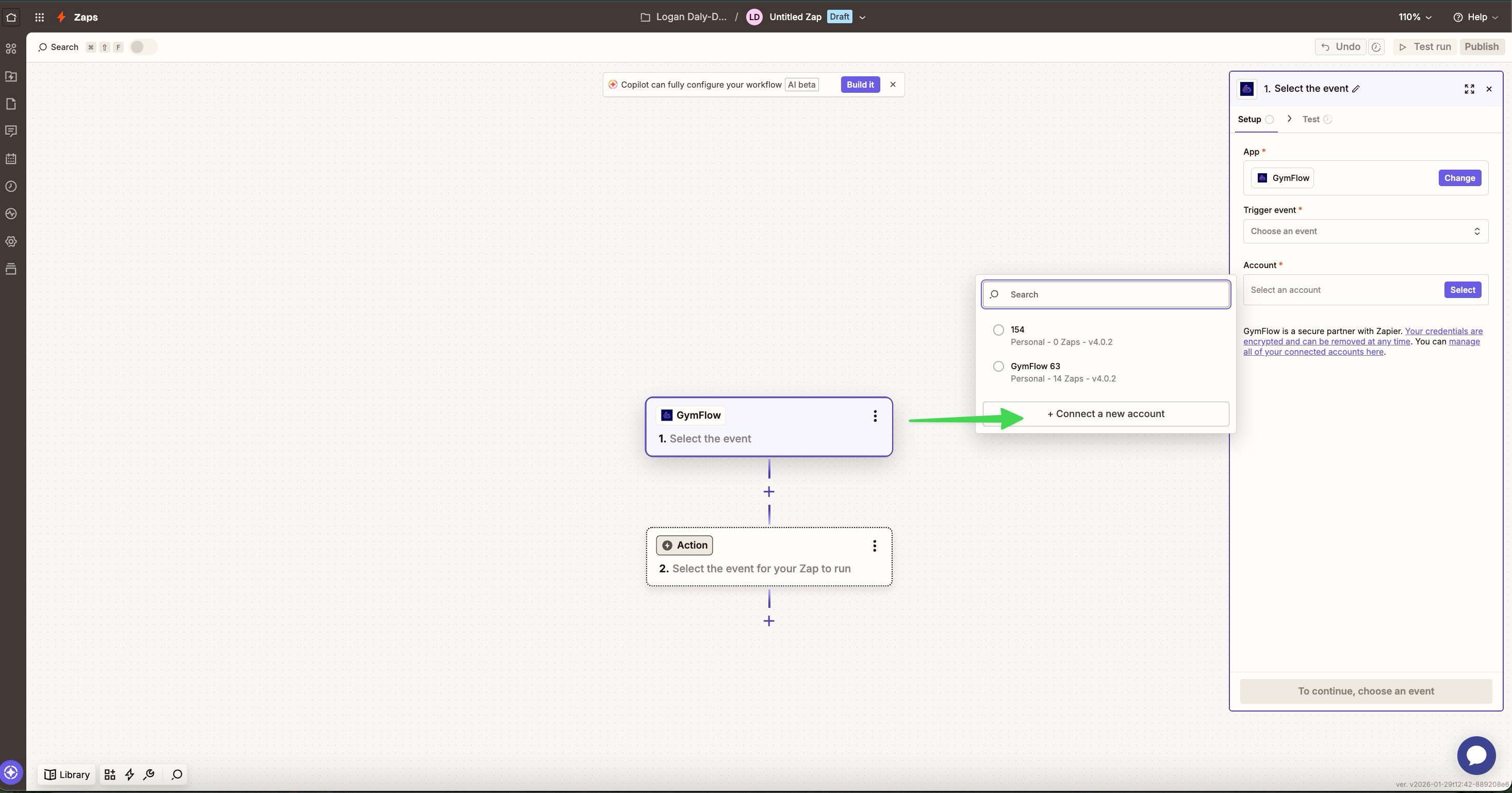
In the pop-up message, you’ll find your club’s ID and Zapier key. You’ll need these when setting up Zaps in Zapier.
Please note: the Zapier integration is currently only accessible to staff with owner permissions.

What can I automate?
Gymflow provides a list of triggers and actions that you can use to automate workflows.
Triggers are things that happen in Gymflow that can start automated processes within other applications via Zapier.
Actions are things you can do in Gymflow via Zapier that start within other applications you use.
You can see the full list of triggers, actions and suggested usage templates here.
Triggers that can be used once per account
There are some Zapier triggers that are designed for use once per connected account. They can be used to trigger multiple things, though can only be used once each as the starting trigger.
If you were to for example create two separate zaps starting with the “Membership Purchased” trigger, only one of them will fire. Therefore it’s important to group actions under each trigger you want to use.
Here are the triggers than can only be used one per account:
Appointment Booked
Appointment Cancelled
Appointment Rescheduled
Product Order Created
New Transaction
Subscription History
Membership Purchased
Was this helpful?
Still need help? Share an idea