Assign a trainer to a user
Give trainers access to a client profile in the Gymflow Staff app.
Written By Isaac Buchanan
Last updated 6 days ago
Staff with the trainer role assignment can only view the profiles of users that they have been assigned. For a trainer to be able to view a user's profile, they need to be assigned to that user by another staff member with a higher role assignment (manager or owner).
Assign a trainer to a user
To assign a trainer to a user, so that they can view that user's profile, follow these steps:
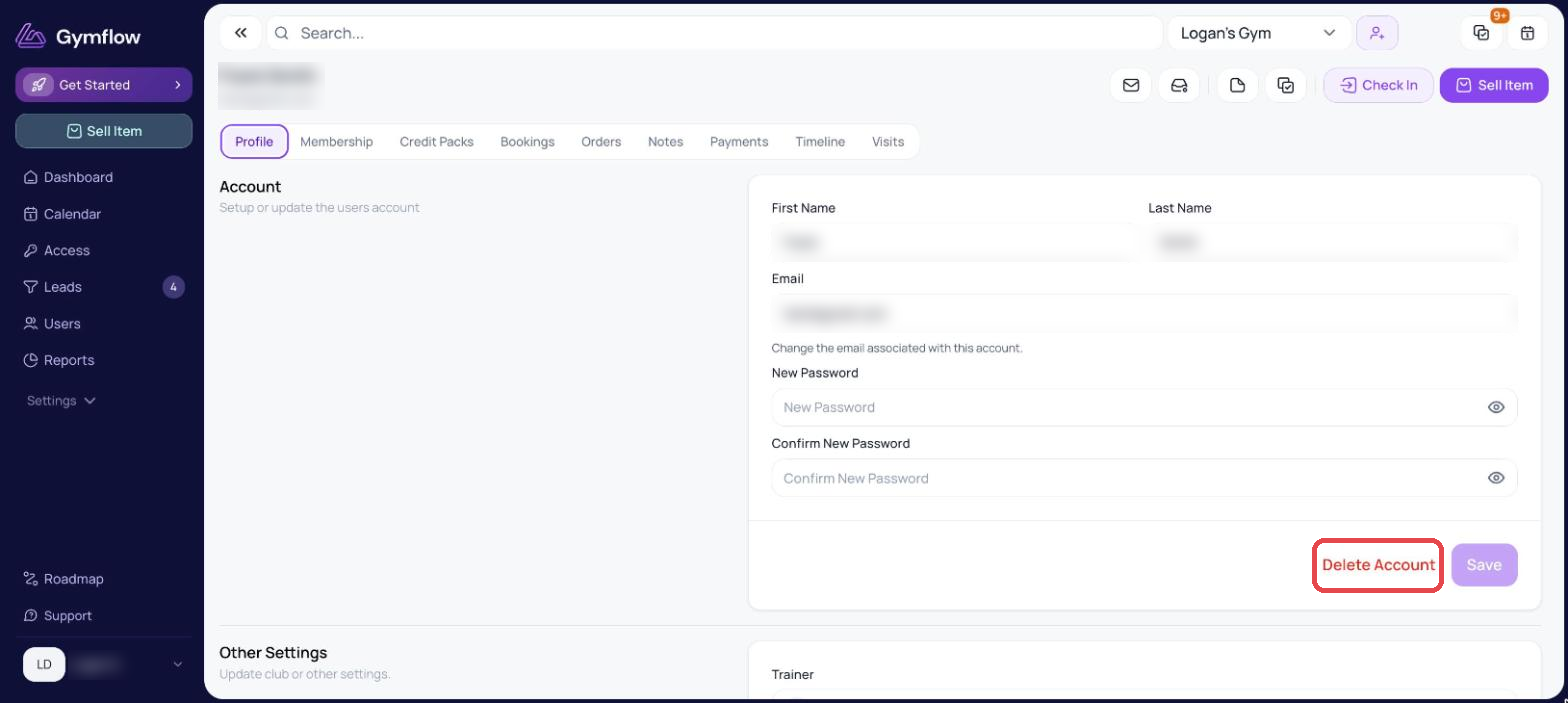
Go to the user's profile.
Scroll down to the Other Settings section and select Edit.
Choose a trainer from the Trainer dropdown menu and select Save.
Was this helpful?
Still need help? Share an idea