Check Ins & Attendance
See how your PDK integration automates check in's
Written By Isaac Buchanan
Last updated 6 days ago
One of the benefits of using door access control with PDK is have detailed access information in your Gymflow dashboard.
Automated Check Ins:
When a user opens a door successfully, they're automatically checked in to Gymflow and shown on the Access page of your admin portal.
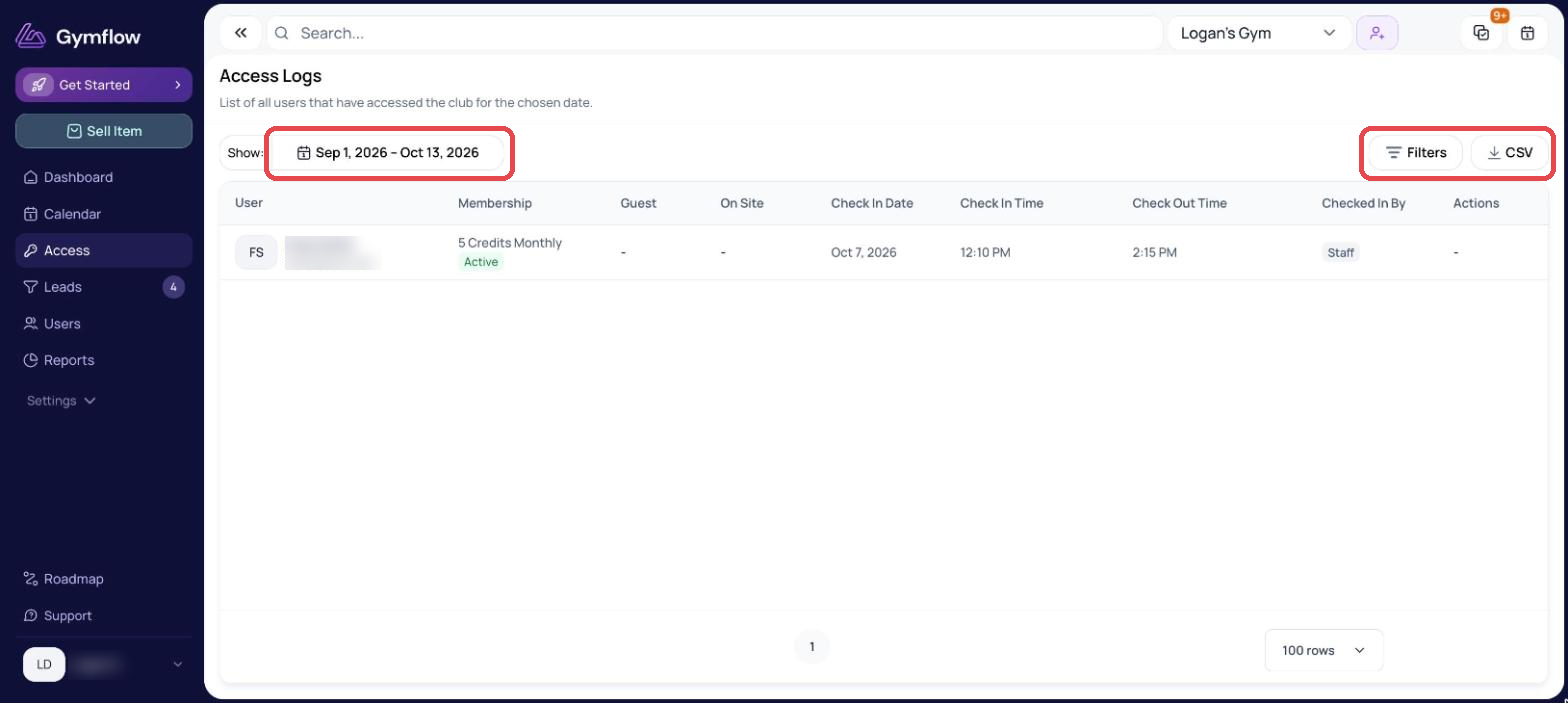
Automated Class/Appointment Attendance:
If they are visiting to attend a class, appointment or booking of any kind their attendance for their booking will automatically be marked as “Attended” to save manual attendance taking.
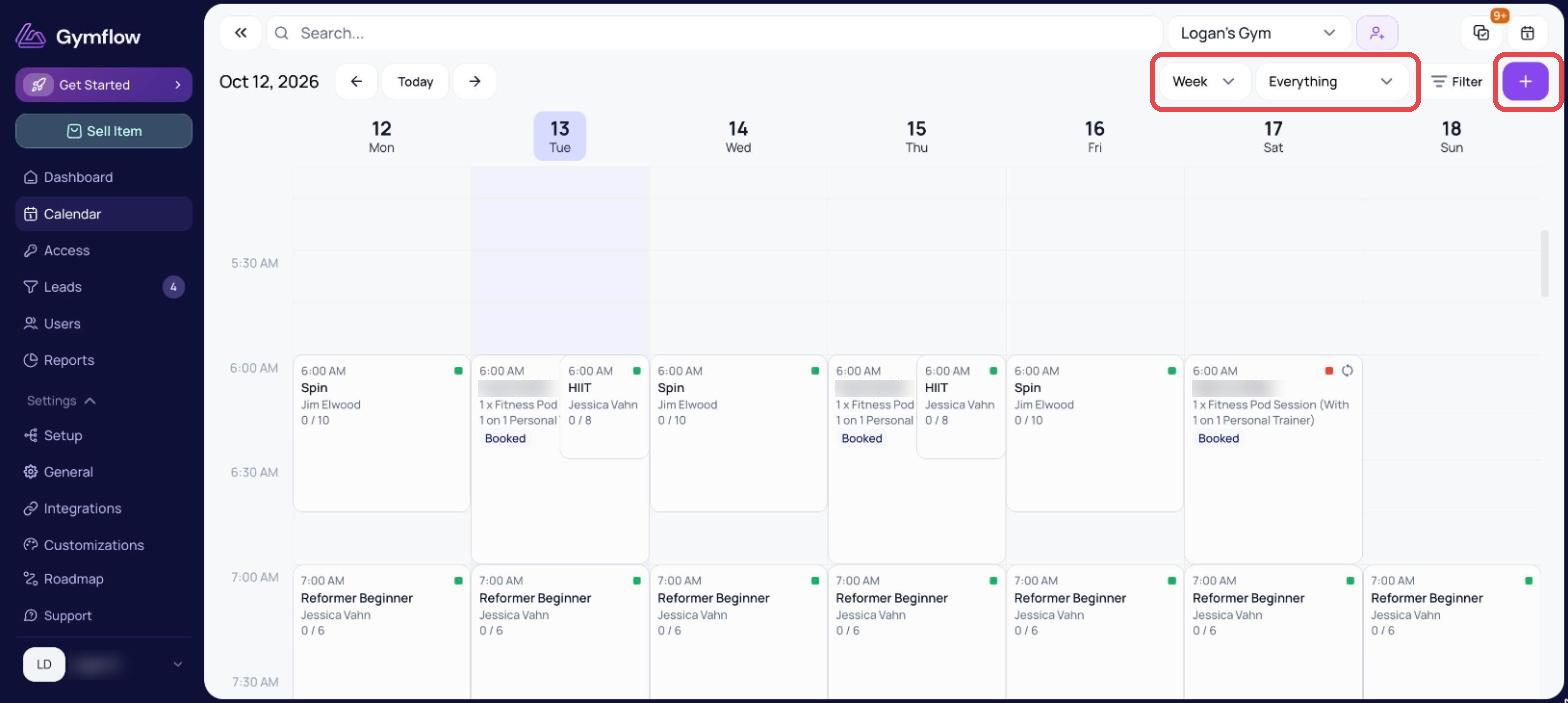
The system will automatically check the user in from 15 min before their access (the access window is configurable; to change it, head to Settings > Setup > Facilities and edit the facility), up until +2 hours after their access (you can change this window from Settings > General > Configuration).
For example, if user gets access at 4:00PM all their classes and appointments starting between 3:45PM and 6:00PM will be marked as ATTENDED.
Live Club Attendance:
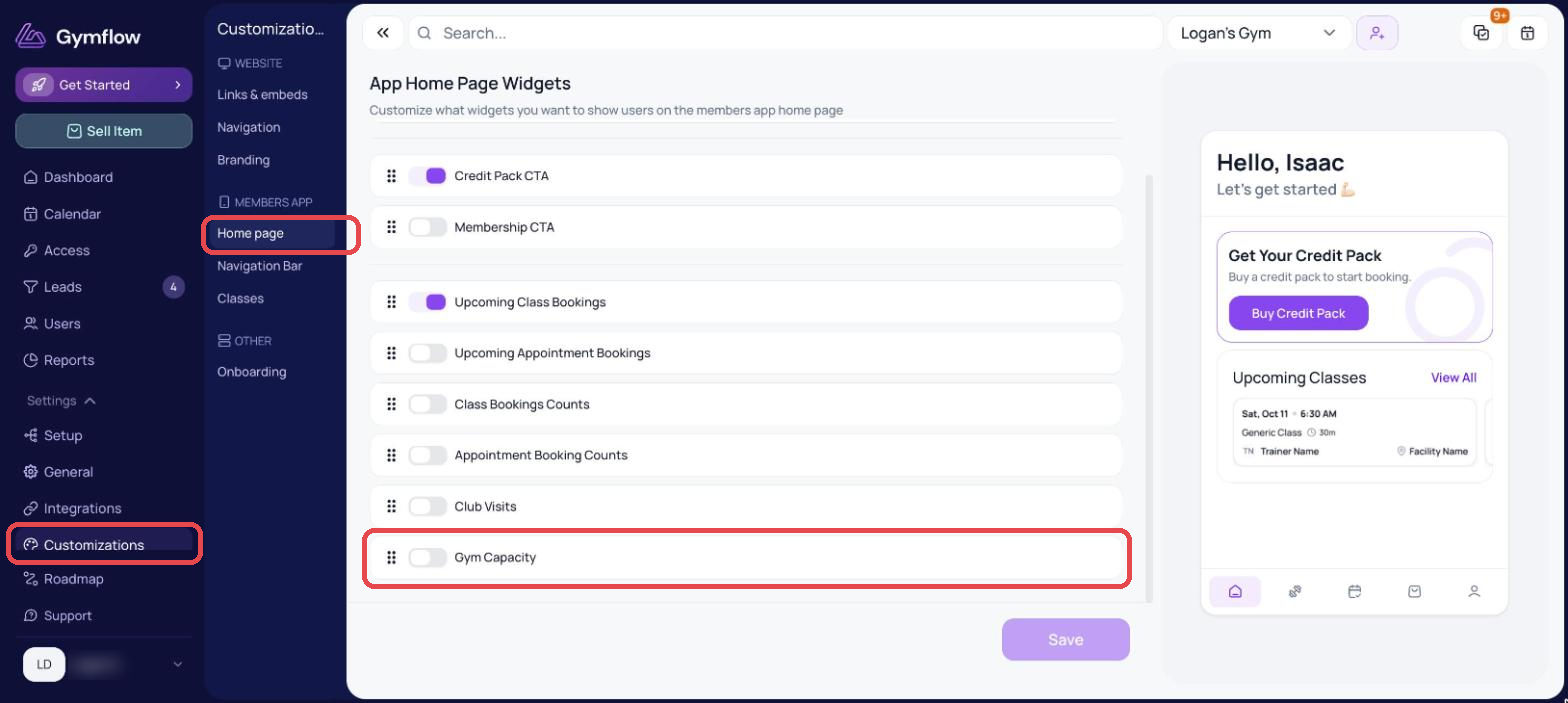
Owners can optionally add a widget to the home page of the mobile app to let users know how busy the club is in real time. This allows members to optionally decide when they want to visit at a time that suits them.
To enable this option:
Go to Settings > Customizations > Home page (under Members App)
Under App Home Page Widgets, turn on Gym Capacity
Click Save
The user will see this widget the next time they open the app.
Was this helpful?
Still need help? Share an idea