Add/Update Your Club & Company Information
Add or update company information, such as your company registration number, sales tax number, and addresses.
Written By Isaac Buchanan
Last updated 4 days ago
You can update your club and company details at any time.
Your company details show on the invoices members download. Changing them updates every club under that company.
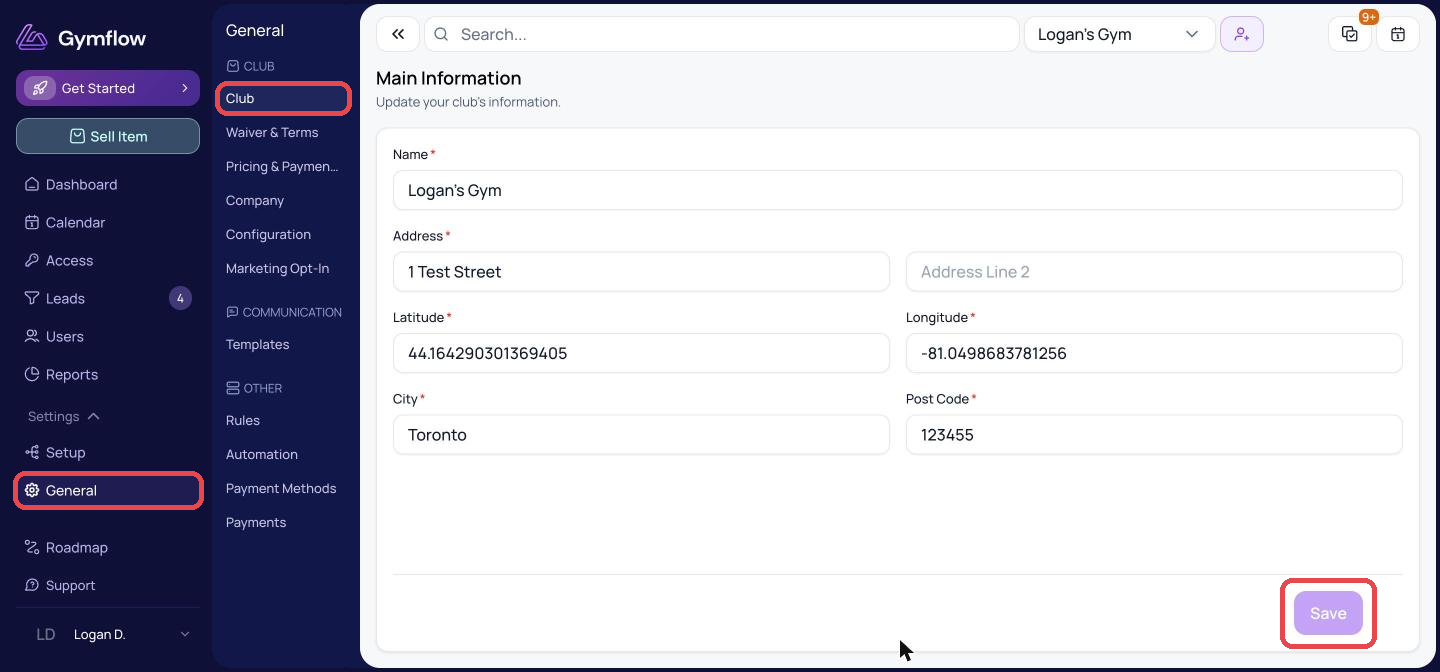
Update Your Club Details
Go to Settings > General > Club.
Update the details you need.
Click Save.
Update Your Company Details
Go to Settings > General > Company.
Update the details and click Save.

Only staff with the Owner or Manager role can edit club and company details.
Was this helpful?
Still need help? Share an idea