Bulk Change Lead Statuses
Learn how to bulk change lead status
Written By Isaac Buchanan
Last updated 6 days ago
From time to time, especially during pre-sales or campaign periods, you may need to bulk change some lead statuses after sending out mass communication.
To bulk change lead statuses:
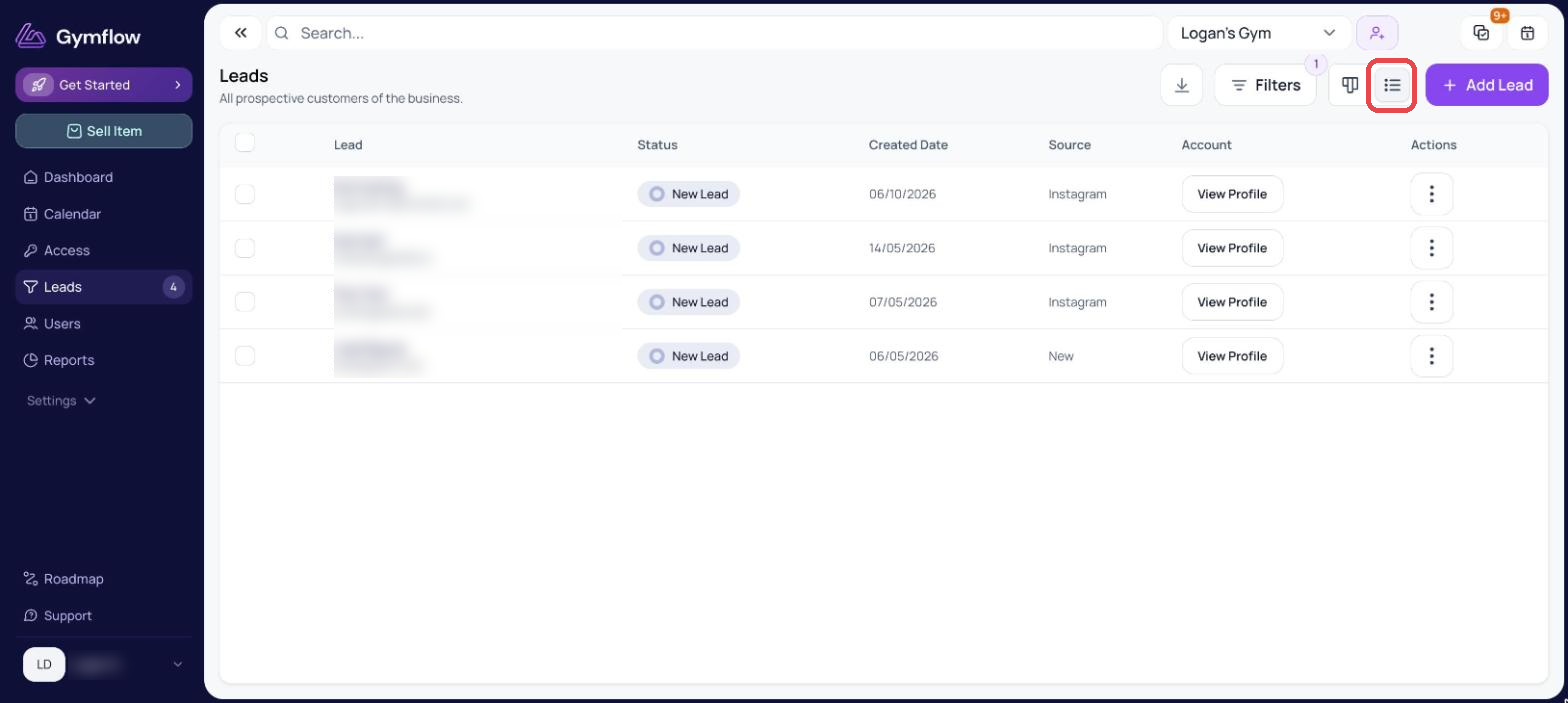
Navigate to Leads
Switch to List View
Select the leads you wish to change
Click the status change button
Select the new status and hit Change
If you want to select all, use the filters to create the segment you want and then select all.
Was this helpful?
Still need help? Share an idea