Selling Gift Vouchers
Learn how you can sell gift vouchers from the staff and customer areas.
Written By Anna Gertsen
Last updated 7 days ago
Offer Gift Vouchers Online
If Gift Vouchers are enabled for your club (see Enabling Gift Vouchers), members can buy them through the members app or your website, just like memberships and products.
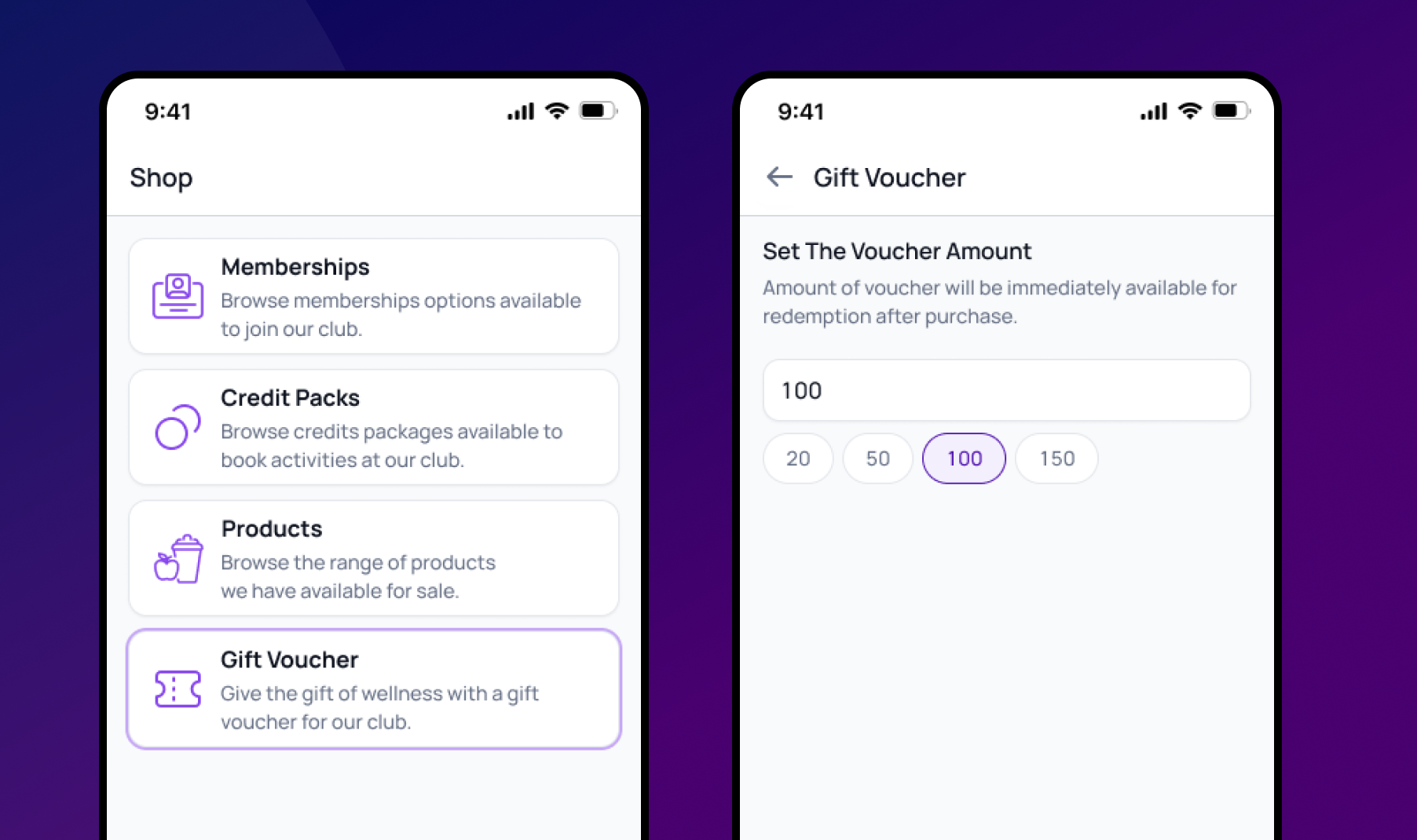
From The Members App
They navigate to the Shop section in the Member App or on your club's website.
They select the Gift Vouchers from the menu.
They input the desired amount and complete the purchase.
From The Website Pages
They navigate to the Gift Voucher menu
They input the desired amount and complete the purchase.
The voucher code will be sent the purchaser via email immediately after purchase.
Selling Gift Vouchers from the Staff Portal
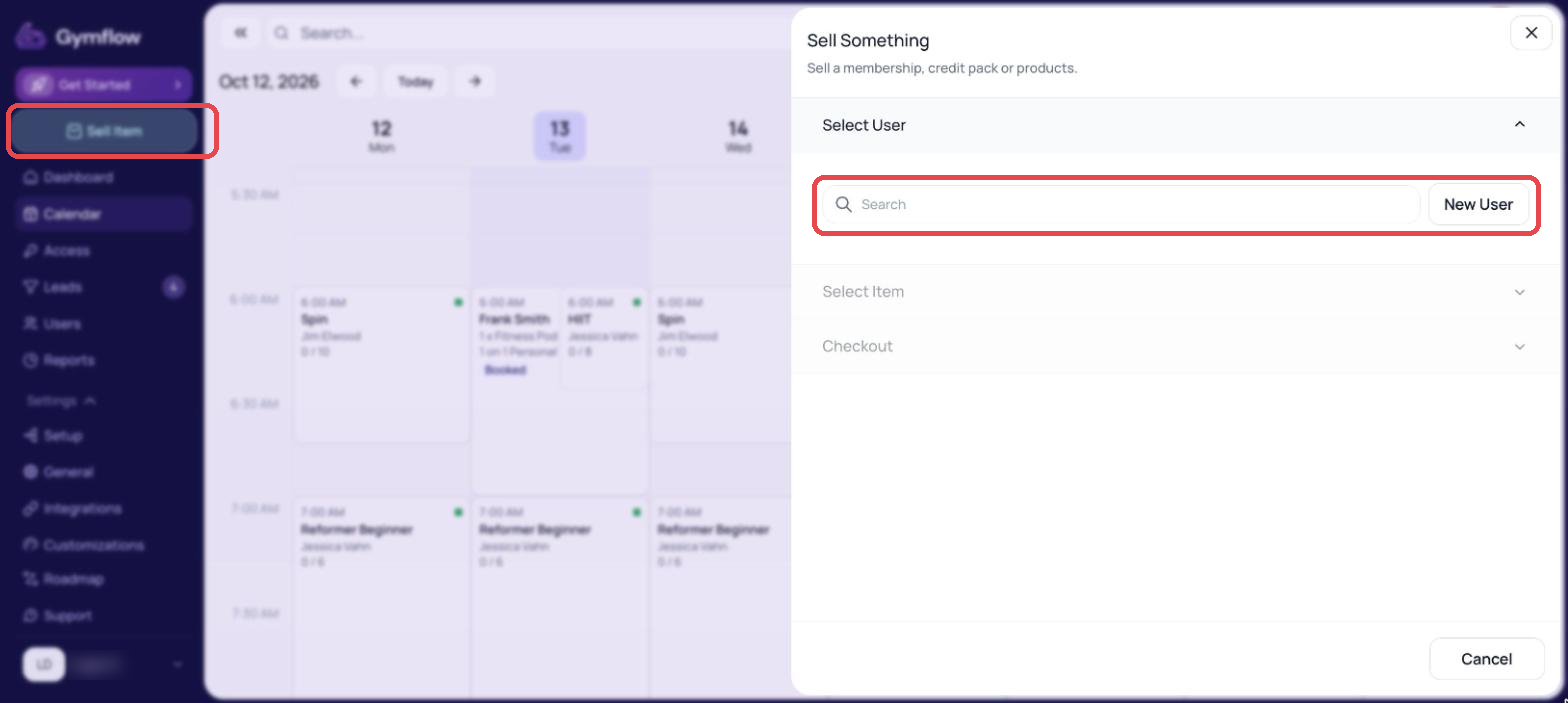
Click Sell Item in the left-hand menu.
Search for the user you want to sell the voucher to.
Select Gift Voucher.
Enter the voucher amount.
Choose a payment method.
Click Take payment.
The voucher code will be sent the purchaser via email immediately after purchase.
Gifting a Specific Service or Package
Gift vouchers are added to the recipient's wallet as a balance once redeemed, so the amount is not tied to a specific membership, credit pack, or product. The recipient can spend it on any purchase at your club.
If you want to gift access to a specific service (for example a Sauna + Reformer package), set the voucher amount to the exact price of the credit pack the recipient should buy and explain in your gift message what to redeem the balance against. Creating the matching credit pack first makes the redemption flow simple.
There is currently no way to transfer credits or a purchased package directly from one member to another. Gift vouchers are the built-in gifting mechanism.
Was this helpful?
Still need help? Share an idea