Getting Started with Gymflow 🚀
Everything you need to setup your business on Gymflow for the first time.
Written By Isaac Buchanan
Last updated 4 months ago
Welcome to Gymflow! 💪
Below is a step-by step guide with everything you need to do to set up your business with Gymflow. These are basic steps to get your account ready to start build out your products and services.
To start head to app.gymflow.io, select your gym and sign in with the details provided to you.
Step-by-Step Checklist 📋
Getting Help 🛟
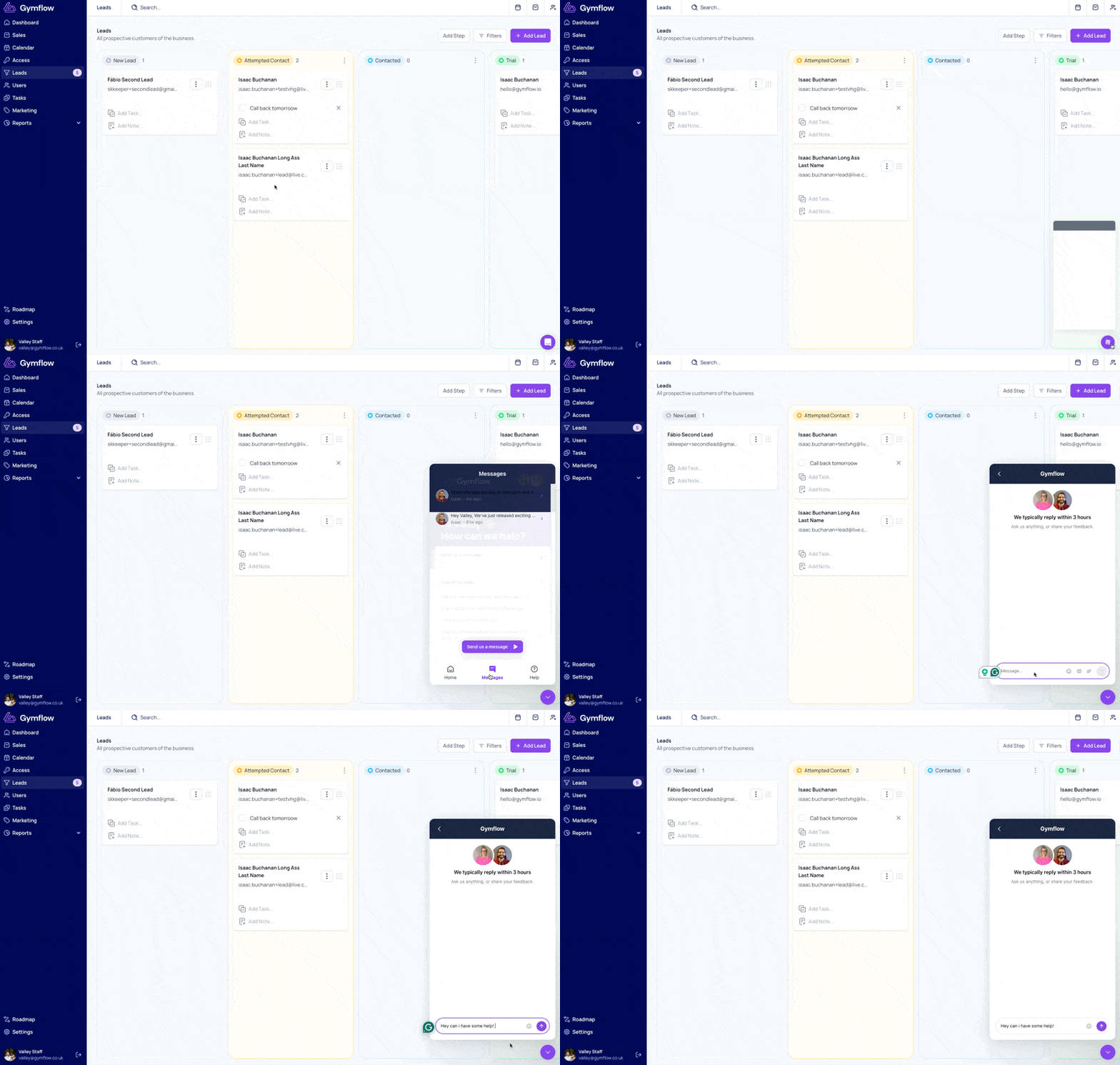
Remember, you can contact our support team at any time as you work through the steps above. If you get stuck or anything is unclear, don't hesitate to drop us a message. To do so, select the chat bubble in the bottom right of your screen and choose Send us a Message.
Was this helpful?
Still need help? Share an idea