Getting Started With Classes 💪
Learn how to set up your calendar and start to take bookings.
Written By Isaac Buchanan
Last updated 12 months ago
To fast track your setup of your class schedule we've put together the key articles you will need to get started.
Step by Step Checklist 📋
You will need to set a few things up before you can add events to your calendar - you can do all of these by visiting the Settings page in Gymflow.
Switch on Late Cancellation and No Show fees (Optional)
Create class packages to sell or include with membership
Getting Help 🛟
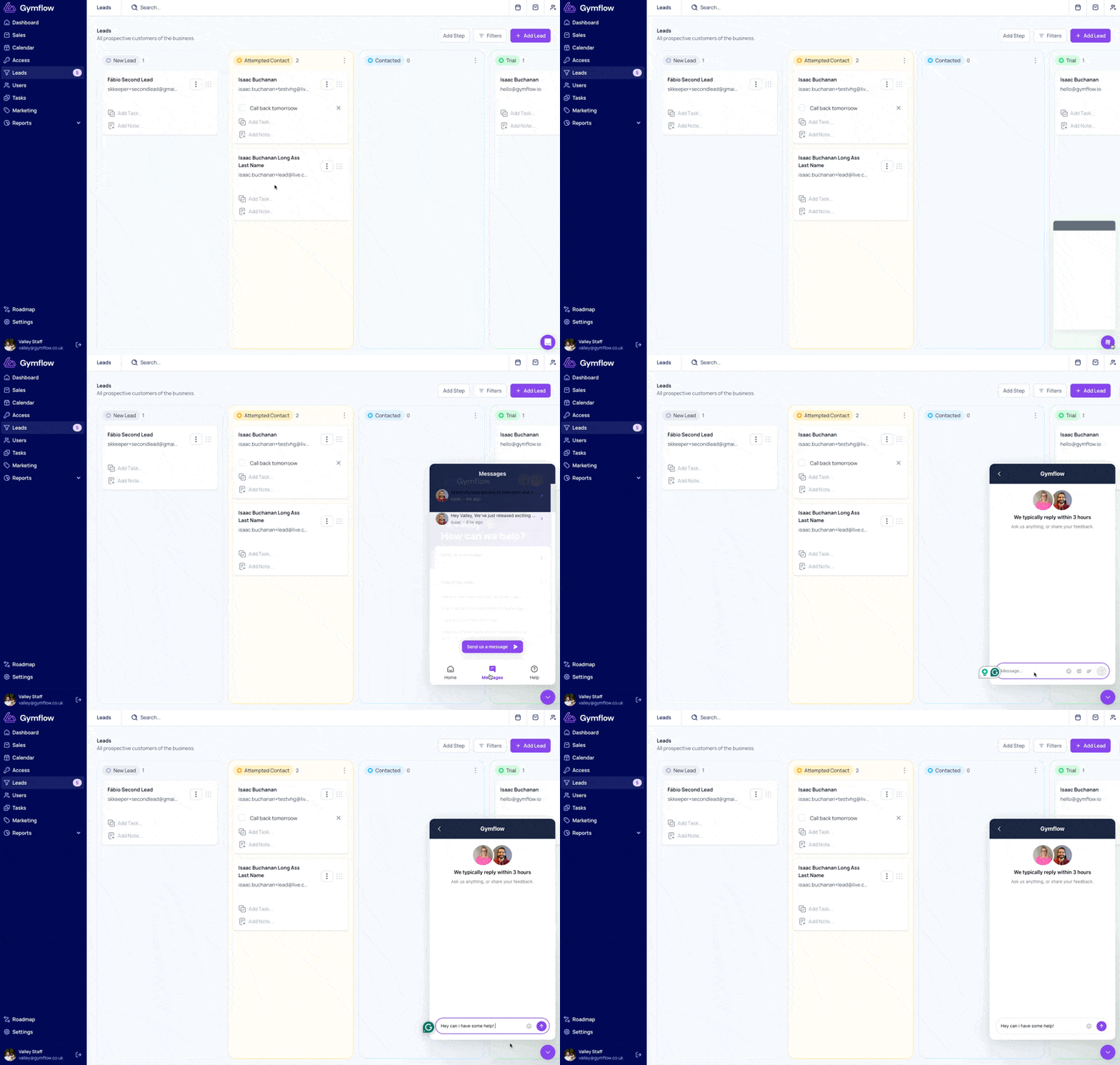
Remember, you can contact our support team at any time as you work through the steps above. If you get stuck or anything is unclear, don't hesitate to drop us a message. To do so, select the chat bubble in the bottom right of your screen and choose Send us a Message.
Was this helpful?
Still need help? Share an idea