Book an Appointment
Learn how to book a user in for an appointment.
Written By Isaac Buchanan
Last updated 1 day ago
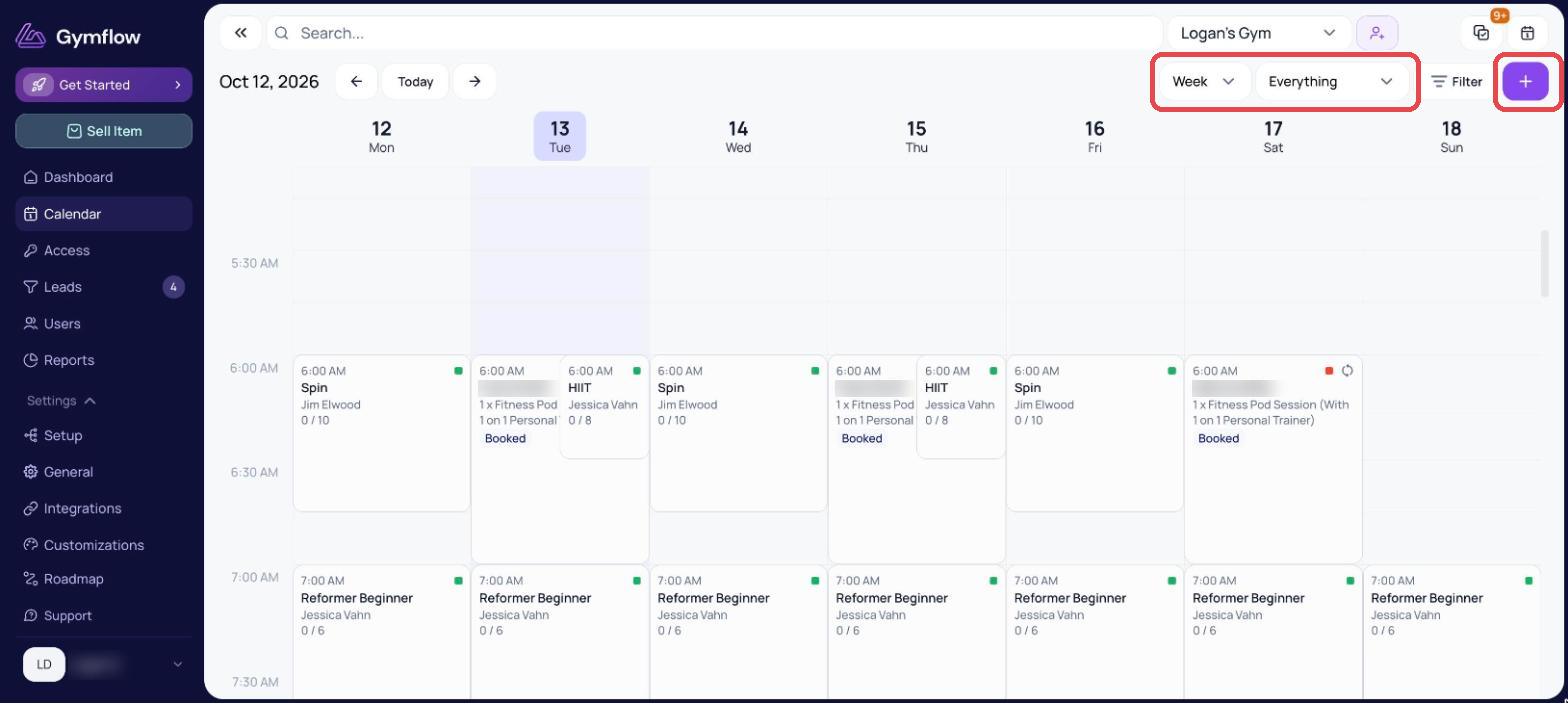
All staff can use the calendar to book users in for appointments no matter their role. An appointment can be booked on any view of the calendar except for the class view.
When booking clients in via the Staff Web Portal payment is not automatically collected no matter the settings of the Appointment Type. This is to give flexibility, but don't forget to collect the payment.
Book an Appointment
Staff can book appointments on behalf of members by following these steps:
Head to Calendar
Click anywhere on the calendar and select Appointment
Select the user, appointment type and host
Select Apply to save the appointment
Potential Step: If the host is not available you will get a warning to confirm the booking
Was this helpful?
Still need help? Share an idea