Check Which Users are Currently On-Site
Written By Isaac Buchanan
Last updated 6 days ago
Gymflow can record when users enter and exit the gym, either when staff manually check them in and out, or automatically using the integrated access control system.
It's possible to see all of the users who have checked in but not yet checked out. To do this:
Go to the Access page (in the lefthand menu bar)
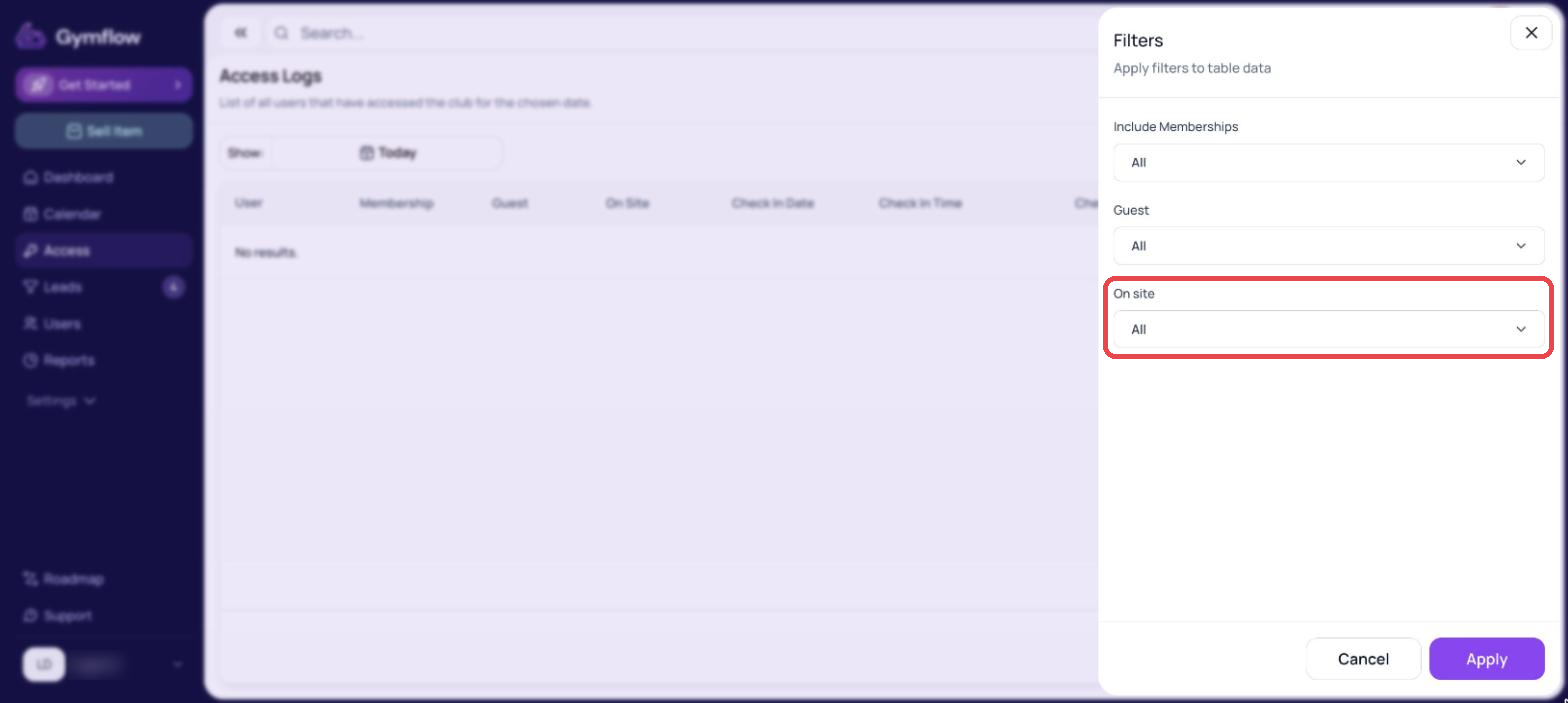
Select Filters
For On site, select Yes and then Apply
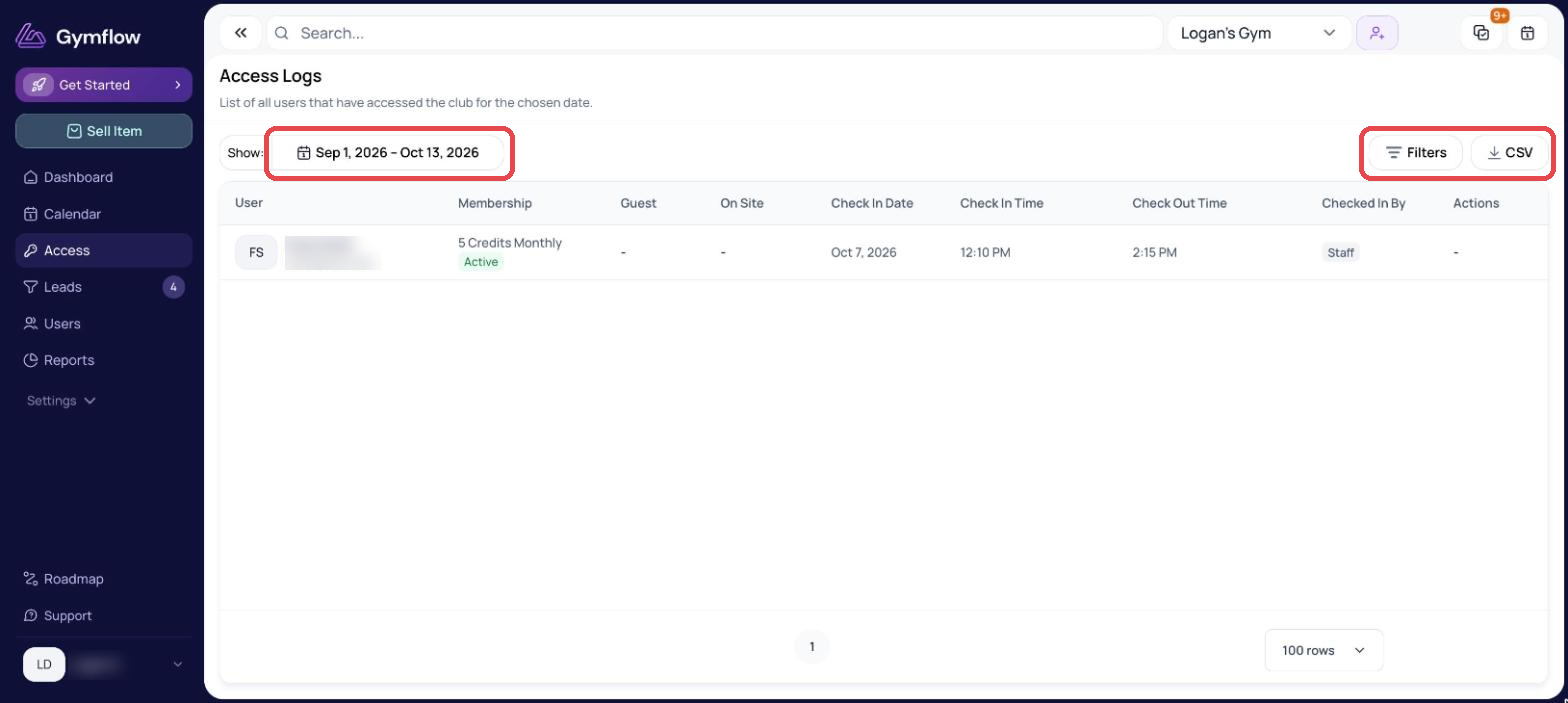
If no results are displaying, make sure that today's date is selected. You can do this by selecting the date picker in the top right of the page:
Was this helpful?
Still need help? Share an idea