Add your doors
Learn how to add doors to your Kisi account
Written By Anna Gertsen
Last updated About 1 year ago
Sign in to Kisi
On the sidebar, under Access Contol, select the Doors tab.
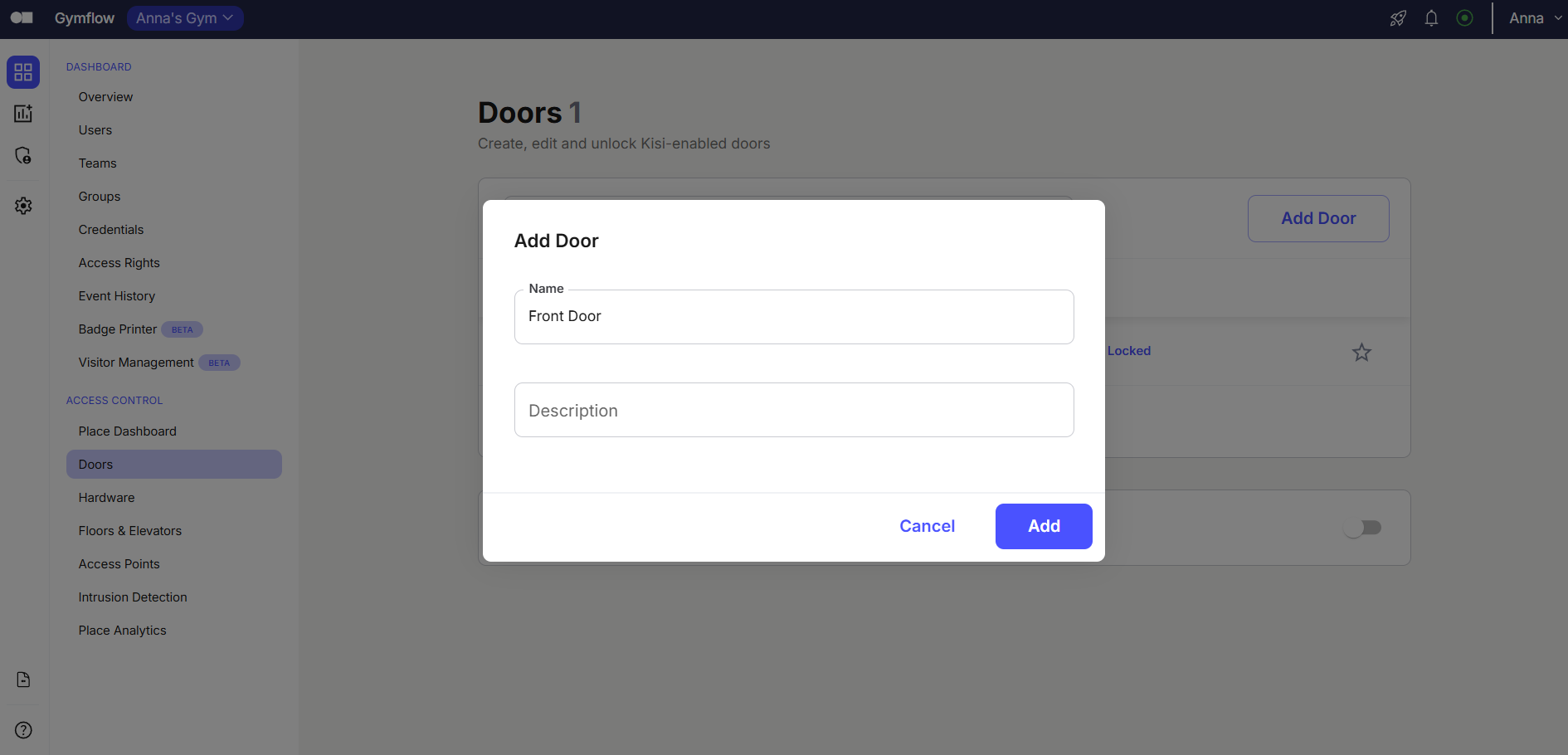
Click Add Door
Under Name, define the name of your door (for example, Front Door)
Click Add
Was this helpful?
Still need help? Share an idea