Update the app version
How to update the app version
Written By Anna Gertsen
Last updated 8 days ago
Log in to your account.
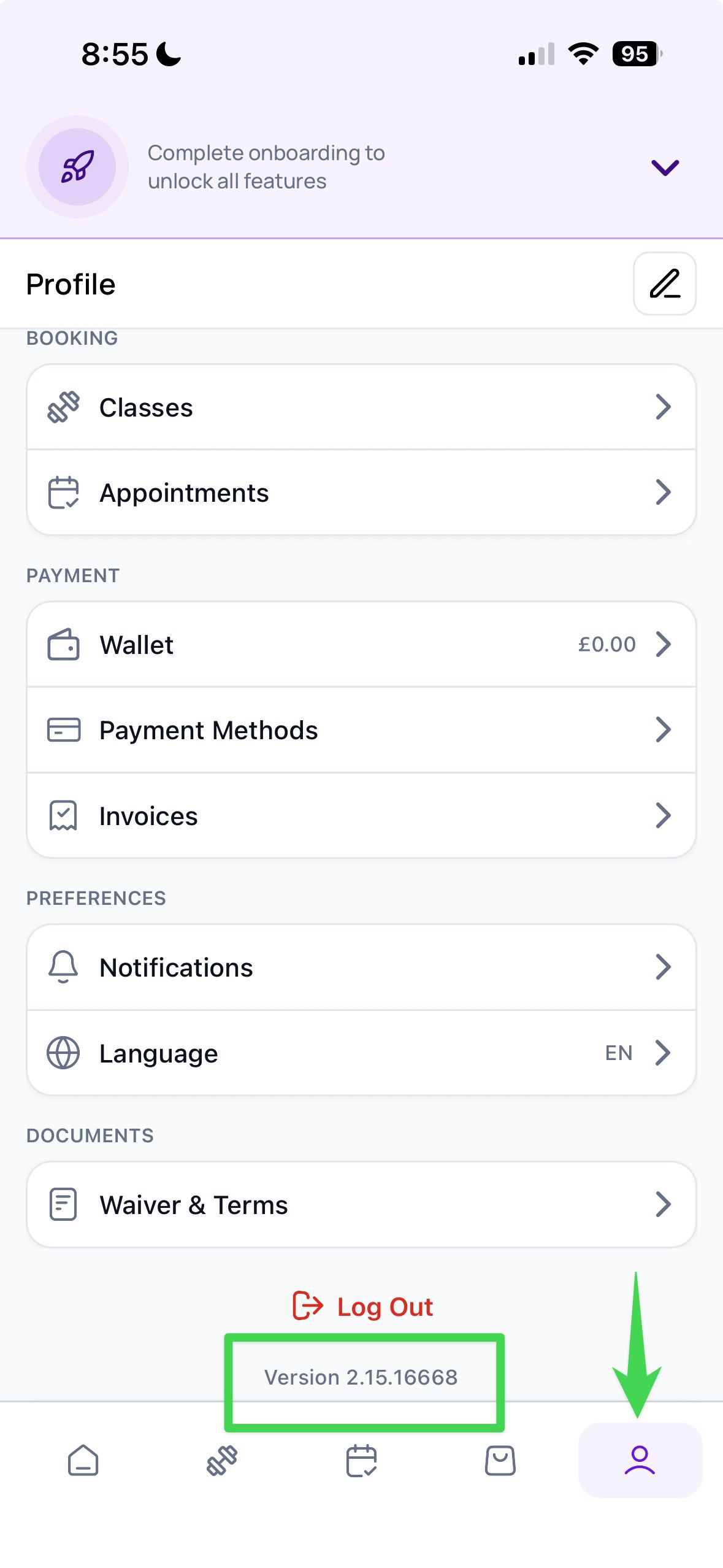
Tap on the Profile tab.
Scroll to the bottom of the page to find the current app version number.
Tap the version number: if a newer version is available, the app will begin updating automatically.
Was this helpful?
Still need help? Share an idea