Create Your Gymflow Account
Download the Gymflow members app and create an account in order to manage your membership, book classes, and more.
Written By Isaac Buchanan
Last updated 10 months ago
Create an Account
You can access Gymflow by downloading the app.
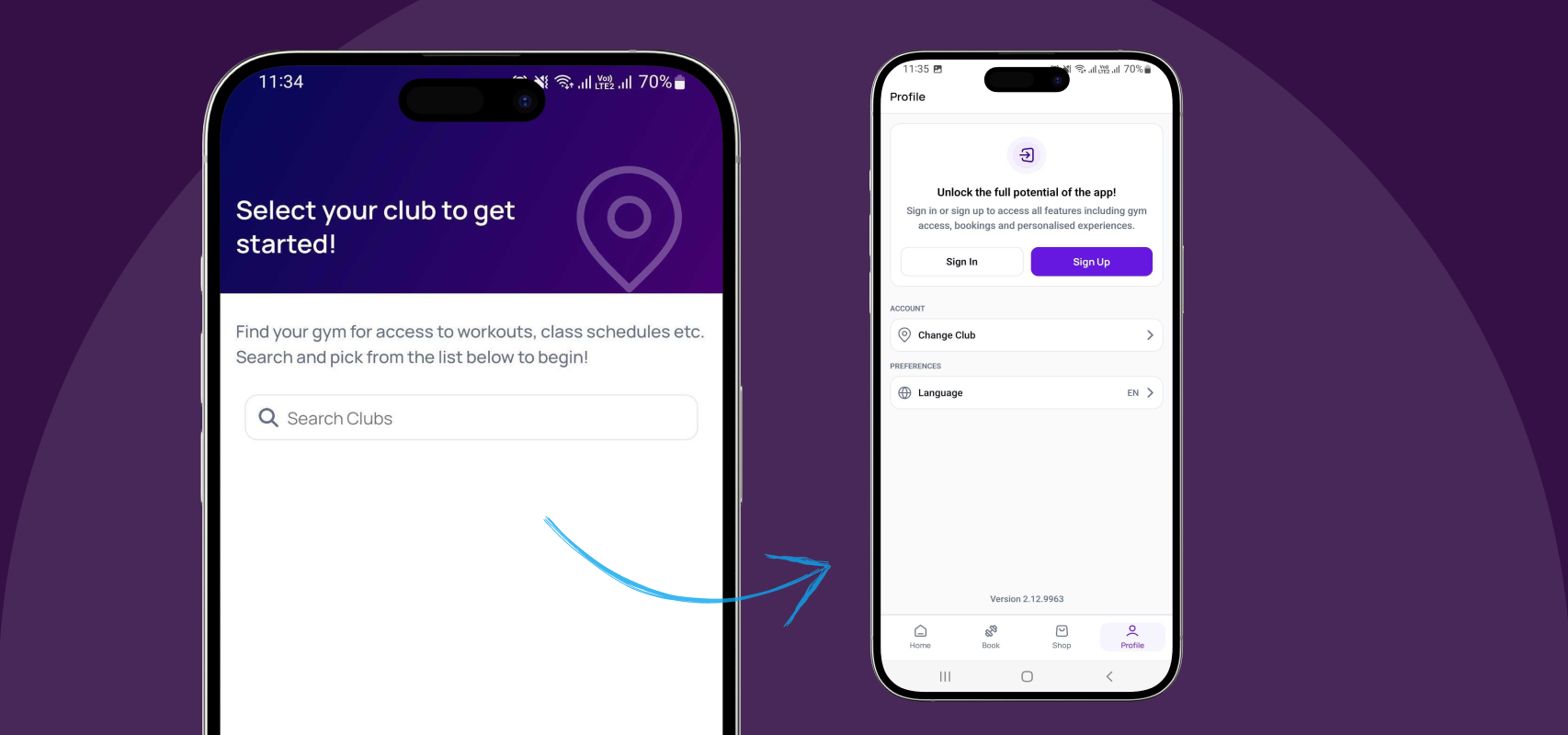
When you first open Gymflow, you'll be asked to choose your gym. After selecting your gym, follow these steps to create an account:
Go to the Profile page
Select Sign Up
Fill in your details
Create your password
Agree to the terms & conditions
Select Sign Up
Already Have an Account?
If you already have an account, you can simply download the app or head to app.gymflow.io and sign in. And if you've forgotten your password, check out this guide to reset it.
If you have any issues with the steps above, send an email to support@gymflow.io.
Was this helpful?
Still need help? Share an idea