If a Terminal Payment Does Not Go Through
What happens when a terminal payment is declined or abandoned, and how to retry, take payment another way, or write off the sale.
Written By Isaac Buchanan
Last updated 3 months ago
A card can be declined, a member can step away, or a tap can simply time out. Nothing is lost when this happens. This article explains what Gymflow does with the sale and the three ways to resolve it.
What happens automatically
The sale is completed as soon as it is sent to the terminal, so the items are already on the member's account. If the payment does not complete, only the money side is left open:
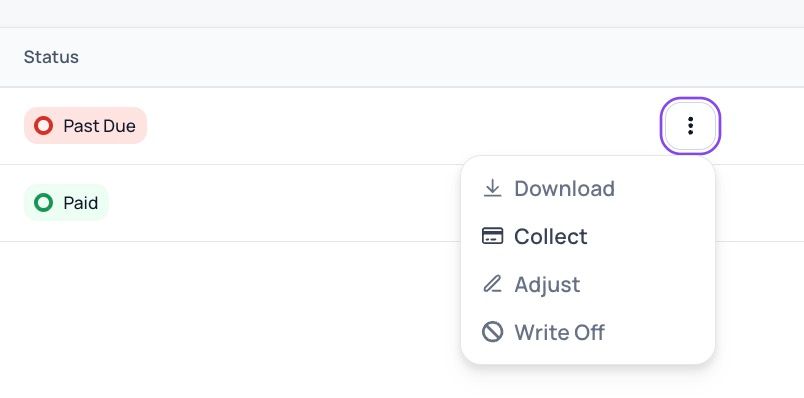
The invoice moves to Past Due. You will see it on the member's profile waiting to be collected.
A credit pack in the sale sits in Overdue status, which means its credits cannot be used for bookings until the invoice is paid. Once it is paid, the pack becomes active and the credits are released.

Option 1: try the terminal again
Open the past due invoice on the member's profile.
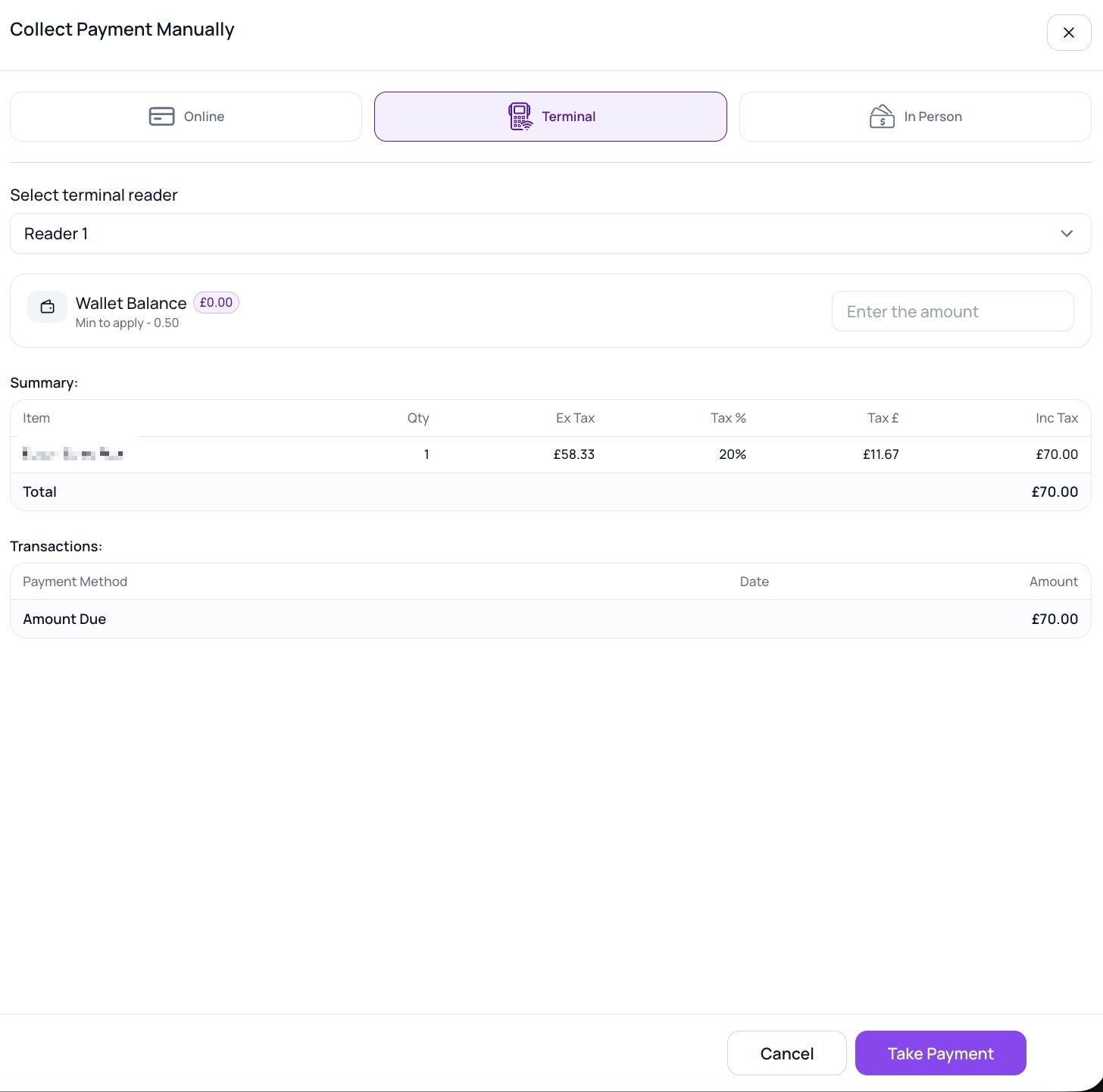
Choose Collect, then the Terminal tab.
Select your reader and send the payment. The member taps or inserts again.
Option 2: take the payment another way
If the member would rather pay differently, collect the same past due invoice with another method:
A stored card or direct debit on the member's account, charged from the invoice.
In Person, if they pay cash or by any means outside Gymflow. This marks the invoice as paid and records it as an in person payment, so your reporting stays accurate.
Option 3: the member does not buy after all
If the member walks away and the sale is not going ahead, undo it in this order:
Cancel the items first, for example the membership or credit pack that was created in the sale.
Open the past due invoice and choose Write Off. This closes the invoice without payment and records a write off rather than revenue, so your reporting stays accurate.
The order matters. Writing off an invoice releases anything that was waiting on it. If a credit pack is still on the member's account when its invoice is written off, the pack becomes active and its credits become usable without having been paid for. A membership is protected here, its invoice cannot be written off while the membership is still active, but a credit pack is not, so always cancel the pack before writing off.
Write Off is only available on Past Due invoices, so there is no risk of writing off an invoice that was actually paid.
Payments that fail without anyone noticing
If a member walked off mid-payment and nobody resolved it at the time, the past due invoice remains on their account and the member may find their credits blocked when they next try to book. A quick check of past due invoices catches these, and any of the three options above resolves them.
Was this helpful?
Still need help? Share an idea